
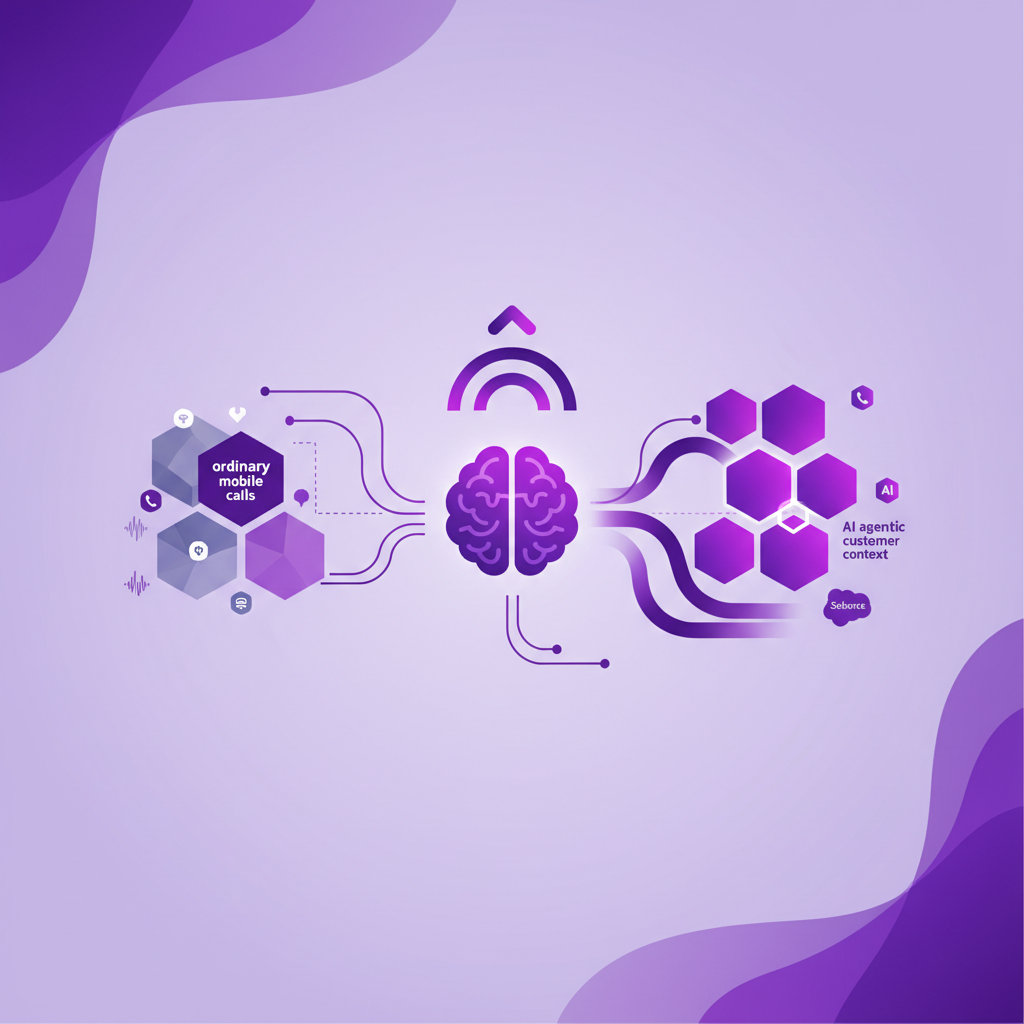
AI Agents in Salesforce Need Complete Mobile Call Context
Salesforce teams are moving fast toward AI agents. The promise is easy to understand. An agent can answer routine questions, qualify a request, route a case, update a record, prepare a handoff, and help a human team move faster without adding more admin.
That future is real. It is also fragile.
An AI agent is only as useful as the customer context it can see. If Salesforce has the web chat, the email, the meeting note, and the desk phone call, but not the mobile conversation that changed the account, the agent is working from a partial record.
For office based teams, that may be a small problem. For field sales, recruitment, advisory, property, and mobile service teams, it can be the whole problem. Many of the calls that decide what happens next still take place on ordinary mobile phones.
If those calls never reach Salesforce, AI agents will not have the full story.
The short answer
AI agents in Salesforce need complete mobile call context because they depend on Salesforce data to understand the customer, choose the next action, and support a clean human handoff.
For mobile teams, that context should include the call activity, the recording where appropriate, the transcript, the summary, the outcome, the next step, and the Salesforce record the conversation belongs to.
The buying question is not only whether an AI agent can talk, summarize, or update Salesforce.
The better question is whether Salesforce contains the mobile conversations the agent needs before it acts.
Why AI agents make call data quality more important
Traditional CRM gaps were painful, but often survivable. A manager could chase a rep for notes. A service lead could ask what happened on a customer call. A recruitment manager could piece together candidate intent from messages, memory, and phone history.
AI changes the risk.
When an AI agent relies on incomplete Salesforce data, it can make incomplete decisions faster. It may route a customer without seeing the latest mobile callback. It may prepare a handoff that misses the real objection. It may treat an opportunity as quiet when the rep actually had a decisive call on the road. It may summarize the account history while leaving out the conversation that matters most.
The more teams automate, the less acceptable missing context becomes.
That is why call capture is no longer just a productivity issue. It is an AI readiness issue.
The mobile conversations AI agents often cannot see
Most Salesforce voice and AI workflows are easiest to control when the interaction starts in a known channel. The customer calls a contact centre number. The rep uses a browser dialler. The meeting is scheduled in a conferencing tool. The service conversation happens through chat or email.
Those channels create clean inputs.
Mobile work is different.
A prospect calls a rep directly after a site visit. A client rings from the train. A candidate answers while walking between interviews. A property buyer calls the agent whose number they already have. A field service customer explains a problem while standing next to the equipment.
The rep answers because that is the natural thing to do. The conversation may be important, urgent, and commercially valuable.
But if the mobile call sits only in the phone history, Salesforce does not learn from it. The AI agent does not learn from it either.
This is the gap RocketCell is built to close.
What complete mobile call context should include
Complete context is more than a call count.
Salesforce should know that the call happened, but it should also preserve enough detail for the business to trust and use the interaction.
A strong mobile call context layer should capture:
- Who called and who answered
- When the call happened
- Which Salesforce record the call belongs to
- Whether recording applies under the organisation's policy
- The transcript where transcription is enabled
- A clear summary of what was discussed
- The outcome of the conversation
- Any follow up action
- The context a manager, colleague, or AI workflow needs later
This is what turns a phone call into usable Salesforce data.
Without it, an AI agent may know that a customer exists, but not what the customer just said.
Why app based capture can still leave gaps
An app based calling workflow can work well when the team consistently uses it. If every call starts inside the same app, every rep has reliable mobile data, and customers do not call personal or direct mobile numbers, the workflow may be enough.
Many field teams do not work that way.
They use normal mobile calling because it is quick. They answer callbacks because customers expect them to. They move between appointments, weak signal areas, and urgent conversations. They do not always have time to open a separate app, start the right workflow, choose a disposition, or add notes after the call.
The result is selective visibility.
The app call is logged. The ordinary mobile callback is not.
The scheduled outbound call has a summary. The urgent inbound call does not.
The activity report looks cleaner than before, but the customer record is still missing the calls that happened outside the approved workflow.
AI agents do not solve that gap. They inherit it.
The difference between AI output and AI context
Many buying conversations focus on output.
Can the AI agent answer a customer question? Can it summarize a call? Can it update a case? Can it create a task? Can it hand off to a human?
Those questions matter, but they come second.
The first question is context.
What does the AI agent know before it speaks, summarizes, routes, or updates?
If the agent can only see part of the customer history, the output may sound polished while still being incomplete. That is the uncomfortable truth of CRM automation. Better language does not fix missing data.
For mobile teams, the context question starts with ordinary calls.
Did the customer's latest mobile conversation reach Salesforce?
Was it matched to the right record?
Is there a transcript or summary the team can review?
Can a manager see the outcome without asking the rep to reconstruct it later?
Can an AI workflow use that data with confidence?
Those are the questions that decide whether AI becomes operationally useful or simply more impressive on the surface.
How RocketCell supports AI ready Salesforce data
RocketCell is designed for teams whose important conversations happen on mobile phones.
Instead of asking every rep to change how they call, RocketCell captures normal mobile conversations through the business mobile network using eSIM or SIM based calling. Calls can then be logged to Salesforce automatically with the context teams need for visibility, reporting, compliance review, and AI workflows.
That matters because mobile call capture should not depend on perfect behaviour.
The rep should not have to remember the system during every conversation. The manager should not have to chase notes. The operations team should not have to guess whether silence in Salesforce means nothing happened or the call was missed. The AI agent should not have to act on an account history with a hidden mobile gap.
RocketCell's role is not to replace every AI agent, contact centre, or Salesforce workflow.
Its role is to make ordinary mobile conversations visible inside Salesforce so those systems have better data to work from.
A buyer checklist before using AI agents with mobile teams
Before rolling out AI agents across a Salesforce team that relies on mobile calling, ask these questions.
- Which customer conversations are currently visible in Salesforce?
Look beyond scheduled meetings and desk based calls. Check direct mobile callbacks, inbound calls to reps, field conversations, and calls made between appointments.
- Does the workflow capture normal mobile calls automatically?
If capture depends on a rep opening an app, pressing record, or logging notes later, the system may miss the calls that happen under pressure.
- Can calls be matched to the right Salesforce record?
Context only helps if it lands in the right place. The call should connect to the relevant lead, contact, account, opportunity, case, candidate, or custom object.
- What does Salesforce receive after the call?
Useful outputs may include activity data, recording access where appropriate, transcript, summary, outcome, task, and structured fields that match the team's process.
- Can managers review mobile call history without cleanup?
If reporting still depends on end of day note taking, the AI layer is sitting on top of an incomplete process.
- Does the capture model support the organisation's policies?
Recording, consent, access, retention, and sensitive call handling need to match the team's compliance requirements.
- Will AI agents see enough context to hand off well?
A human handoff is only helpful if the person receiving it can see what has already happened, including the latest mobile conversation.
This checklist keeps the evaluation grounded. It moves the conversation from impressive AI features to the data those features require.
Why this matters now
Salesforce is pushing deeper into AI agents, voice automation, and native customer workflows. The market is moving in the same direction. Buyers are being told that AI will answer more questions, update more records, and reduce more manual work.
For many teams, that will be true.
But mobile teams should be careful about one assumption. AI cannot act on conversations that never entered the system.
If the most important customer calls happen through ordinary mobile behaviour, the capture layer becomes foundational. It decides whether Salesforce has a complete customer record. It decides whether managers can trust reporting. It decides whether AI agents have enough context to support the next action.
The future of Salesforce automation will not be won by summaries alone. It will be won by trustworthy conversation data.
For mobile teams, that starts with the call.
The practical takeaway
AI agents in Salesforce are becoming more capable, but they still need complete customer context.
If your team works from desks, controlled voice channels may cover most of the conversation history. If your team works in the field, on the road, or through direct customer mobile relationships, ordinary mobile calls need to be captured too.
RocketCell helps close that gap by bringing normal mobile conversations into Salesforce automatically, with the context needed for managers, colleagues, and AI workflows to act.
Before asking what an AI agent can do next, ask what it can see now.
That answer will decide how much you can trust it.