
Five Steps to Full Visibility
From order to your first logged call in Salesforce, here's everything you need to know.
Watch the demo to see RocketCell in action
Receive Your eSIM
After placing your order with our sales team, each user receives a unique QR code to install their RocketCell eSIM. Choose a fresh number or port your existing one.
- ✓Simple QR code installation, no physical SIM required
- ✓Keep your existing number with porting (subject to porting fees)
- ✓Or get a fresh UK mobile number instantly
- ✓Works alongside your personal SIM on dual-SIM devices
Quick Device Setup
We provide a simple configuration guide to apply a few device settings. Takes just a few minutes and you're ready to go.
- ✓Step-by-step config guide provided
- ✓Works on iPhone and Android
- ✓No complex IT involvement required
- ✓Our team is on hand to help if needed
Make Business Calls
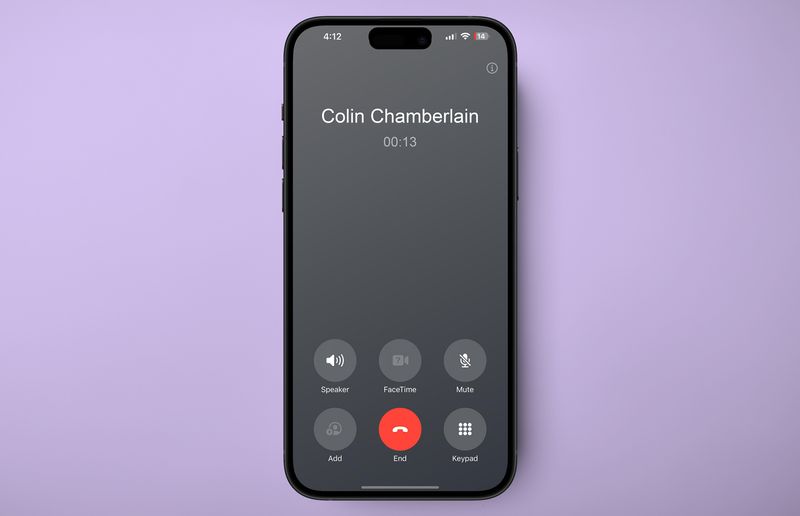
When making business calls, simply select RocketCell as your outbound line. Set phone-wide defaults or customise contact by contact.
- ✓Select RocketCell SIM for outbound calls
- ✓Set as default for all calls, or per contact
- ✓Incoming calls automatically route through RocketCell
- ✓Crystal-clear voice quality on our cellular network
Automatic Contact Matching
RocketCell intelligently matches calls to Salesforce records. Known contacts are logged automatically, unknown numbers are captured for you to update later.
- ✓Matches numbers saved in Salesforce contacts
- ✓Logs to the correct Account, Contact, or Lead
- ✓Unknown numbers still logged as 'Unknown'
- ✓Easily update and link unknown callers later
Rich Task Logged in Salesforce
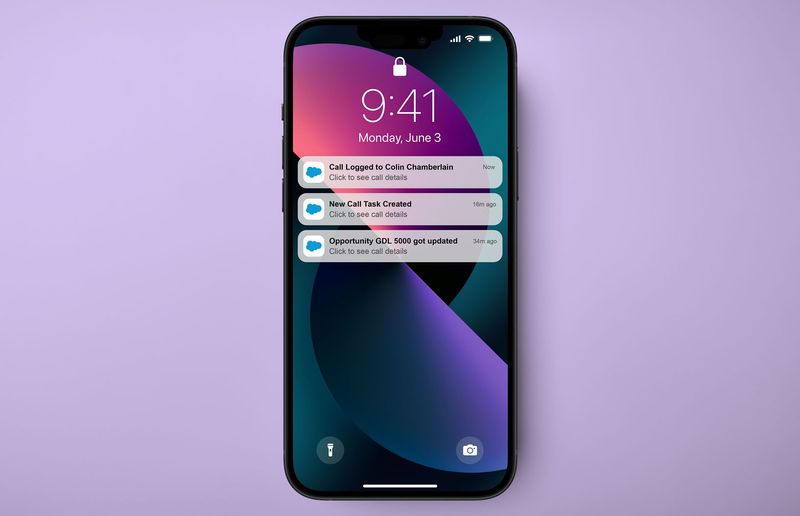
After every call, a fully completed Task object appears in Salesforce, with all the details your team needs, without any manual data entry.
- ✓AI-generated call summary
- ✓Full transcription (A.I plan)
- ✓Call duration, time, and direction
- ✓Suggested next actions and follow-ups
That's it, you're up and running
No complicated setup. No training required. Every business call your team makes is now automatically captured, transcribed, and logged to Salesforce.
Ready to get started?
Book a live demo and we'll show you exactly how RocketCell works with your Salesforce setup.