How to Automatically Log Calls to Salesforce Without a Mobile App
If your reps make most customer calls from their normal mobile phone, "automatic call logging" can sound much simpler than it really is.
Many tools do a good job logging calls when the rep is working inside a browser dialer or a dedicated calling app. The problem shows up when the real work happens on the road. A rep taps a number from their phone, takes the conversation, drives to the next meeting, and never opens anything else. That is where Salesforce records start to drift away from reality.
For mobile first teams, the real question is not whether a vendor offers automatic logging. It is whether the system still works when reps use ordinary mobile calling and do not change their habits.
Short answer
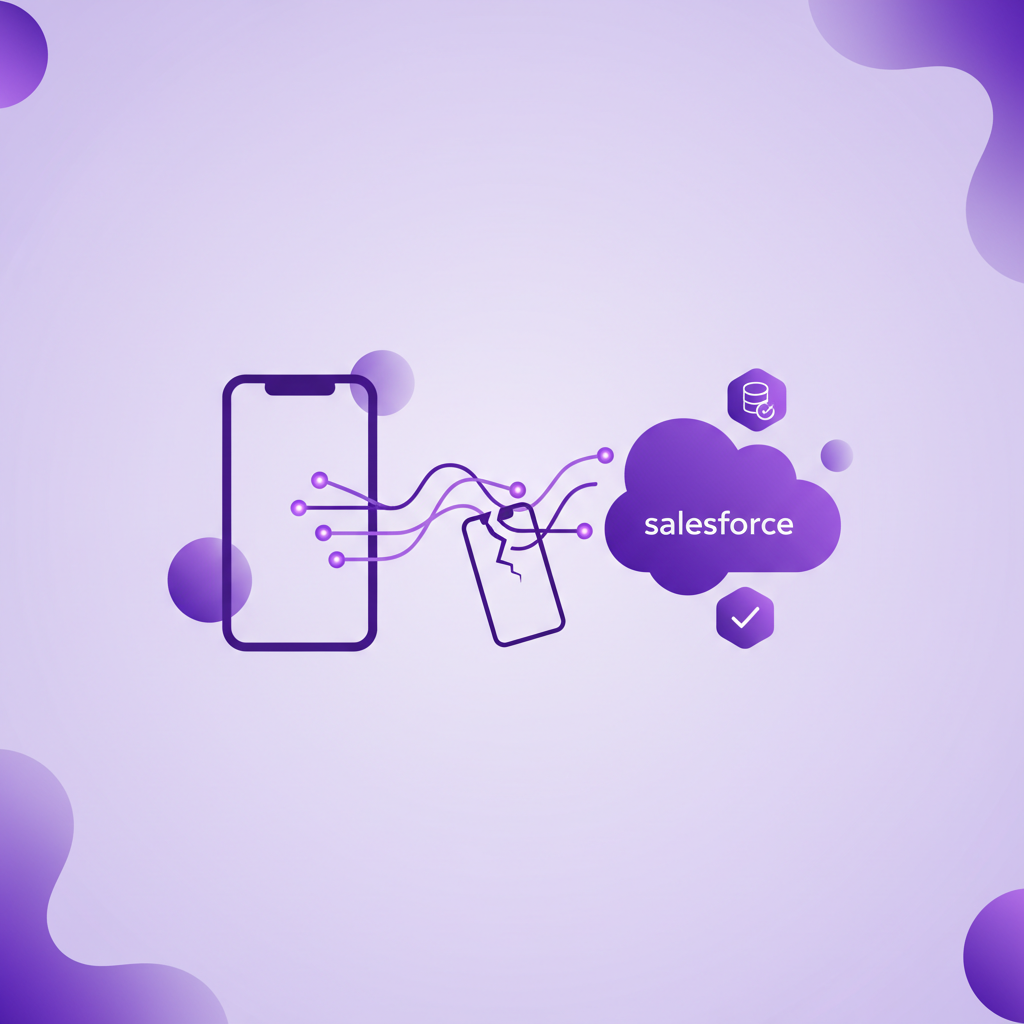
Yes, you can automatically log calls to Salesforce without forcing reps into a mobile app, but only if your setup captures the call at the mobile calling layer itself. If the workflow depends on a separate app, a browser session, or a quick post call step, it is not truly automatic for field teams.
That distinction matters because many teams buy a tool that looks automated in a demo, then discover it only stays complete when reps follow the app workflow perfectly.
Why "automatic logging" often breaks on mobile
In most Salesforce calling setups, the automation is tied to the product's own environment. That usually means one of three things:
- The rep has to place the call from a browser dialer.
- The rep has to use a mobile app instead of the phone's normal calling flow.
- The rep has to complete a short action after the call so the record can be synced cleanly.
Those workflows can work well for desk based teams. They are much harder to enforce for field reps, mobile service teams, and regulated teams whose most important conversations happen between visits, in the car, or away from strong data coverage.
When the workflow breaks, Salesforce does not just lose a timestamp. It loses the full context around the relationship. Managers lose visibility, handovers get weaker, and activity reports stop reflecting what really happened.
What true automatic call logging should capture
For a mobile team, automatic logging should mean more than creating a task after a call. A complete setup should capture:
- The fact that the call happened
- The date, time, and duration
- The correct Salesforce contact, lead, account, or opportunity relationship
- The recording, where policy allows
- The transcript and summary, if those are part of the workflow
- All of it without asking the rep to remember a second step
If any of those pieces depend on rep follow through after the conversation, the process is only partly automated.
When a mobile app is enough
A mobile app can be perfectly reasonable if your team is comfortable working inside that app for every call and if coverage, battery, and rep adoption are not ongoing problems.
That tends to work best when:
- The team already makes calls from a dedicated sales dialer
- Managers can enforce one calling workflow consistently
- The team is usually online and working from stable coverage
- Missing the occasional off workflow call is acceptable
For inside sales teams, those conditions may be fine.
For field teams, they often are not. Reps will call back from the recent calls screen, answer from the handset, use the fastest path available, and keep moving. That is normal behavior, not bad discipline.
What to check before you trust a vendor's automation claim
If you are evaluating Salesforce call logging for a mobile team, ask these questions early:
1. Does logging still happen if the rep uses the normal phone workflow?
This is the most important test. If the answer is no, the automation depends on behavior change.
2. What happens when internet coverage is weak?
Some mobile calling workflows are reliable only when the app stays connected. That may be fine for some teams, but it is a real limitation for reps who work in the field.
3. Is the call matched to the right Salesforce record automatically?
Creating activity is not enough. The record needs to land in the right place so managers and downstream teams can trust it.
4. Are recordings, transcripts, and summaries tied back to the same record?
If those assets live somewhere else, your team still ends up stitching the story together manually.
5. Can the setup support your compliance model?
For many teams, logging is only part of the requirement. Recording controls, retention, consent handling, and access rules matter too.
Why this matters more now
Salesforce teams are under more pressure than ever to keep activity data clean without adding admin time. At the same time, more vendors are using phrases like automatic capture, complete visibility, and no manual logging.
Those claims are not always wrong. They are often just narrower than they sound.
If the system works beautifully inside its own app, that may be enough for your team. But if your business depends on ordinary mobile calling, you need to evaluate the architecture behind the promise, not just the promise itself.
RocketCell's point of view
RocketCell was built for teams that need Salesforce to reflect real mobile conversations without asking reps to behave like call center agents on the road.
The core idea is simple: if the ordinary mobile call is the conversation that matters, that is the conversation the system should capture. Not just the calls made through an ideal app flow. Not just the notes a rep manages to enter later. The call itself.
That is the difference between faster logging and truly complete mobile call capture.
Final thought
If you want to automatically log calls to Salesforce without a mobile app, do not start by asking whether a tool has automation features. Start by asking whether it still works when the rep uses the phone the way real reps actually do.
That one question will usually tell you whether you are buying a cleaner workflow or a genuinely complete mobile capture setup.