Salesforce Task Objects for Mobile Calls: What Should Be Captured?
In Salesforce, a logged call often appears as a completed Task. That sounds simple until a field team starts relying on mobile calls as a real source of pipeline, service, compliance, and coaching data.
A Task that only says a call happened is not enough. It proves activity, but it does not explain the conversation. It does not tell a manager what changed, what the customer asked for, what risk appeared, what follow up is due, or whether the record is now ready for reporting and AI workflows.
For mobile teams, this distinction matters. Reps and service staff do not always call from a desk phone, browser dialler, or controlled contact centre workflow. They call from the native mobile phone because that is how work happens in the field. If those calls become weak Tasks in Salesforce, the CRM still misses the real value of the conversation.
What is a Salesforce Task object for a call?
A Salesforce Task represents a business activity. When a user logs a call, Salesforce commonly records that call as a completed Task or activity record. That Task can sit on the timeline for a lead, contact, account, opportunity, case, or another related record.
At the most basic level, the Task can show who called, when the call happened, and which Salesforce record it relates to. For a mobile team, the better question is not whether a Task exists. The better question is whether the Task contains enough information to make the call useful after the rep hangs up.
A useful mobile call Task should help someone answer five questions:
- Who was involved in the call?
- What record should the conversation belong to?
- What happened during the conversation?
- What needs to happen next?
- Can the business prove, review, and report on the interaction later?
If the answer is unclear, the Task is only an activity count. It is not conversation intelligence.
Why mobile call Tasks are often too thin
Many Salesforce teams start with a reasonable assumption: if calls are logged, the CRM has the call history.
That assumption breaks down when the logged Task is missing the substance of the conversation. A thin Task might contain a date, a user, a phone number, and a short note typed from memory later in the day. That may be enough for basic activity reporting, but it is weak for modern sales and service operations.
The problem is usually not laziness. It is workflow design.
Field teams are busy, mobile, and often moving straight from one customer conversation to the next. If the system depends on them remembering the call, opening Salesforce, choosing the right record, typing a note, adding a disposition, creating a follow up, and doing all of that consistently, the data will drift.
Some calls will be logged late. Some will be logged against the wrong record. Some will have vague notes. Some will never be logged at all.
That is why a mobile call Task should be judged by capture quality, not just by Task creation.
What should be captured on a mobile call Task?
The right fields depend on your Salesforce setup, reporting needs, and compliance policy. Still, most mobile teams should expect a completed call Task to carry more than a timestamp.
Call identity
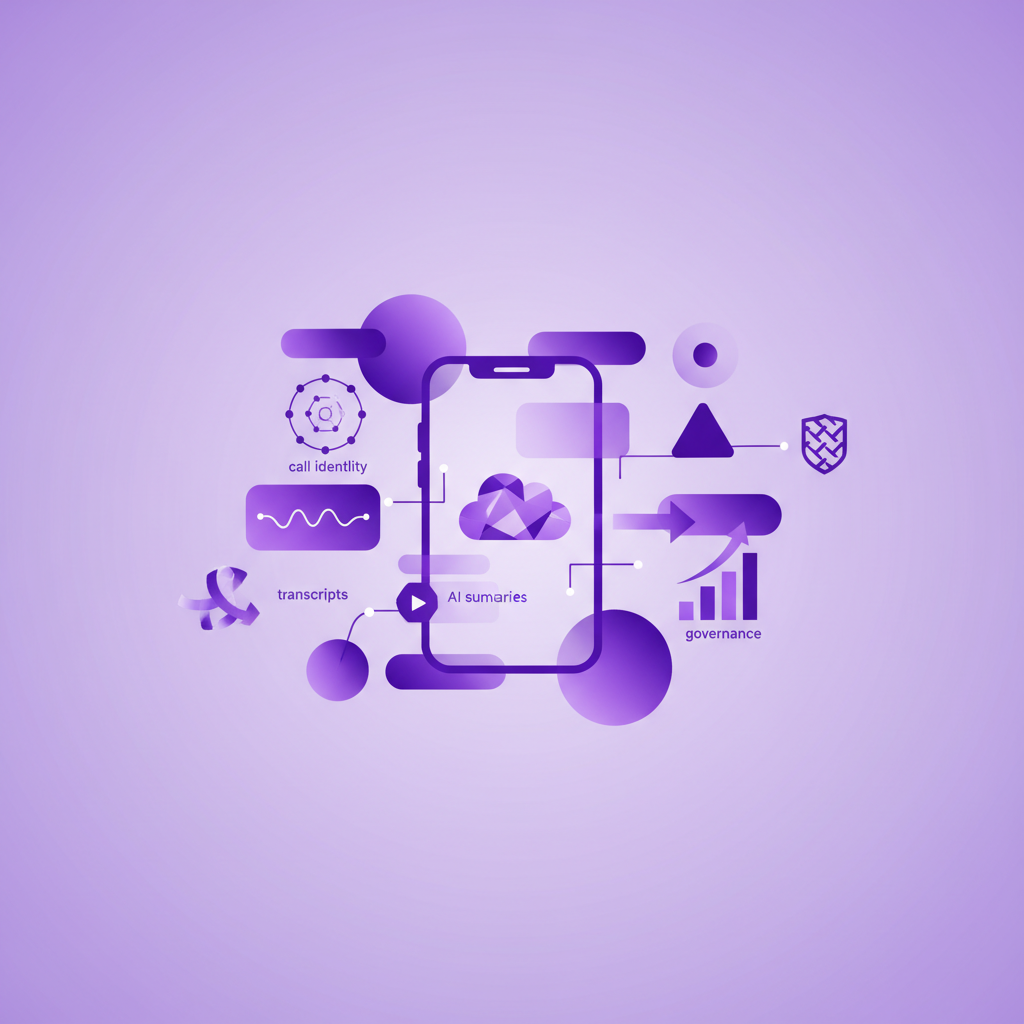
The Task should make the call easy to identify later. That usually means direction, timestamp, duration, caller, recipient, and the business user who handled the call.
Direction matters because inbound callbacks behave differently from planned outbound sales calls. Duration matters because it helps managers separate real conversations from missed calls, voicemail, and short connection attempts. The user matters because reporting, coaching, and accountability all depend on knowing who handled the interaction.
Salesforce record matching
The Task should be attached to the right Salesforce record. In practice, that means matching the call to the relevant lead, contact, account, opportunity, case, or custom object.
This is where many mobile workflows struggle. A phone number can appear on more than one record. A customer may call from a number not yet saved in Salesforce. A field rep may speak to a contact about an opportunity, while the call lands only on the contact timeline.
The goal is not just to log the call somewhere. The goal is to make the conversation visible where the next person will look.
Recording and transcript availability
When recording is appropriate under the company policy and local rules, the Task should point to the call recording and transcript. This gives the business a source of truth beyond a human note.
Recordings and transcripts are useful for coaching, compliance review, handover, dispute resolution, and customer service continuity. They also give AI workflows something more reliable to work with than a two sentence memory note.
Not every team records every call, and not every call should be handled the same way. The operational point is that the Task should clearly show what evidence exists and how authorised users can review it.
AI summary
A good summary should make the call understandable without forcing a manager to listen to the whole recording. It should capture the customer issue, buying signal, objection, decision, risk, promise, and agreed next step where relevant.
For mobile calls, the summary is especially valuable because the conversation often happens away from the desk. Without automatic capture, the rep may not write anything down until much later. By then, details fade and Salesforce becomes a rough memory rather than a working record.
The summary should not replace the recording or transcript. It should sit on top of them as a readable layer.
Outcome and next action
A completed call Task should help the business move. That means the outcome should be clear, and the next action should be visible.
For a sales team, that might be a booked meeting, a pricing question, a renewal risk, a competitor mention, or a follow up task. For a service team, it might be a case update, an issue category, an escalation, or a promised callback. For a compliance team, it might be a review flag or a sensitive topic.
If the Task tells the team that a call happened but not what should happen next, the workflow is still unfinished.
Reporting data
The Task should support reporting without forcing managers to read every note manually. That may include call type, disposition, team, territory, related opportunity, related case, customer segment, or other fields that already matter to your Salesforce dashboards.
This is where call Tasks become operational data. Leaders can see which customer conversations are happening, where follow up is slipping, which teams rely heavily on mobile calls, and whether Salesforce reflects the real work happening in the field.
Governance signals
Mobile call data can include sensitive information. A useful Task should fit the company policy for access, retention, recording consent, review, and deletion where applicable.
The Task does not need to carry every governance rule inside a visible field, but the workflow around it should be clear. Who can see recordings? Who can see transcripts? How long are they kept? What happens when an employee leaves? How are sensitive calls reviewed?
These questions become much easier to answer when mobile calls are captured consistently and attached to the right Salesforce context.
Task object or Voice Call object?
Some Salesforce voice workflows use Voice Call records, especially in Service Cloud Voice and contact centre environments. Many standard call logging and activity workflows still rely on completed Tasks.
The right model depends on your Salesforce architecture. A desk based contact centre may need Voice Call records tied to routing, agent status, transcripts, and service workflows. A field sales or mobile service team may need rich completed Tasks on the records where managers, reps, and service leaders already work.
The practical question is not which object sounds more advanced. The practical question is whether the call data reaches the right Salesforce surface, in the right format, with the right evidence and next action.
For many mobile teams, rich Task creation is valuable because it keeps the call visible in standard Salesforce activity history and reporting. It meets the user where they already review customer activity.
The mobile capture test for Salesforce admins
Before choosing or reviewing a mobile call logging setup, Salesforce admins and RevOps teams should test one ordinary call from start to finish.
Ask these questions:
- If a rep makes a normal mobile call, is a completed Task created automatically?
- If a customer calls the rep back, is that inbound mobile call captured too?
- Is the Task attached to the right contact, account, opportunity, case, or custom object?
- Does the Task show direction, duration, timestamp, owner, and the customer number?
- Is there a recording and transcript when policy allows it?
- Is there an AI summary that explains the conversation clearly?
- Is the next action created or visible?
- Can managers report on these calls without exporting data?
- Can authorised users review the evidence later?
- Does the workflow still work when the rep does not open a separate app?
That final question is the one that often separates activity logging from real mobile call capture.
Where RocketCell fits
RocketCell is built for Salesforce teams whose important customer calls happen on ordinary mobile phones. Instead of asking reps to change their behaviour, RocketCell captures mobile calls through the business mobile network, then logs the conversation into Salesforce automatically.
Every mobile conversation can become a rich Salesforce Task with the context a business needs: call activity, recording, transcript, AI summary, and suggested next actions. That gives leaders more than a count of calls. It gives them a usable record of what customers actually said and what the team should do next.
For sales teams, that means cleaner opportunity history and better handovers. For service teams, it means customer issues are documented without more admin. For compliance focused teams, it means mobile conversations are easier to review and govern.
The point is not to create more Tasks. The point is to make each mobile call Task worth trusting.
Conclusion
A Salesforce Task can be a simple activity record, or it can be the place where a mobile customer conversation becomes useful business data.
For mobile teams, the difference comes down to what is captured automatically. A thin Task may prove that a call happened. A rich Task can show who spoke, what changed, what evidence exists, what Salesforce record matters, and what should happen next.
If your team depends on mobile calls, do not only ask whether calls are logged to Salesforce. Ask whether each completed Task contains enough context to run the business after the call ends.