Does Apple CallKit Capture Mobile Calls in Salesforce?
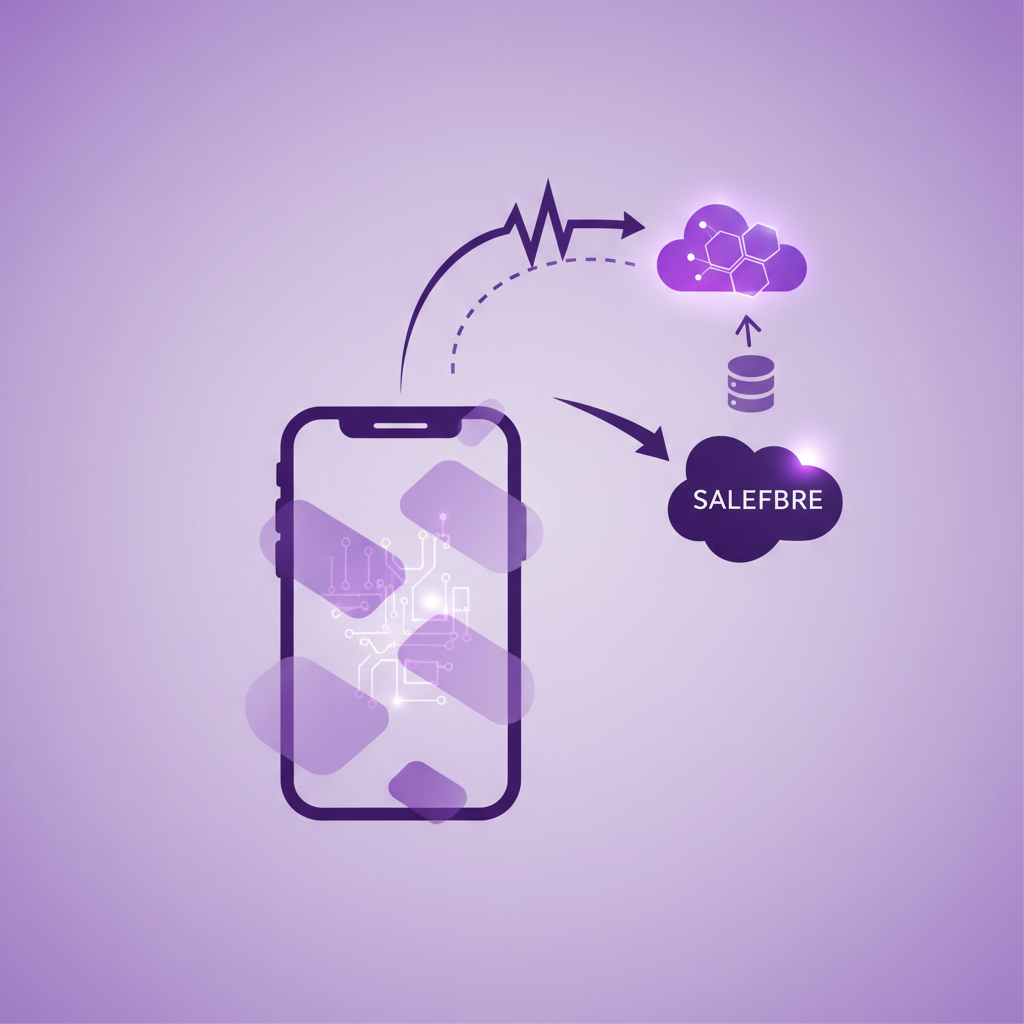
No. Apple CallKit does not, by itself, capture every mobile call and send it to Salesforce.
CallKit lets a Voice over IP calling app use the familiar iPhone call interface and coordinate with system features such as Do Not Disturb. It can make a call from an app look and feel much like a call in the Phone app. The calling provider still carries the conversation through its own service, decides what can be recorded, and creates any Salesforce activity.
That distinction matters because the word native is now used for several very different mobile calling experiences. A product can feel native on an iPhone while still requiring the call to travel through a specific app and an internet connection. Another service can capture ordinary cellular calls made through the business SIM or eSIM. Both may create Salesforce records, but they do not cover the same call paths.
For a Salesforce buyer, the useful question is not simply whether a product supports CallKit. The useful question is this:
Which calls will reach Salesforce when employees and customers use their phones normally?
What does Apple CallKit actually do?
CallKit is an Apple framework for integrating app based calling services with the iPhone calling experience.
Apple describes CallKit as the interface layer for an app's Voice over IP service. It can present the system incoming and outgoing call screens, coordinate audio, respond to Do Not Disturb, and help calling services coexist on the device. PushKit can wake an eligible app for an incoming Voice over IP call, including when the app is not already open.
CallKit does not carry the audio by itself. It does not provide the business phone service. It does not decide which Salesforce record should receive the call. It also does not mean that an app can automatically record and log every carrier call made through the iPhone Phone app.
Think of CallKit as the familiar front door to an app based call. The provider behind that door still owns the call path, data, recording rules, reliability, and Salesforce integration.
Does CallKit record ordinary iPhone calls?
Supporting CallKit is not the same as capturing every ordinary cellular call.
If a calling app uses CallKit, calls made or received through that provider can appear in the familiar system interface. The provider may then log those calls to Salesforce because its own service knows the caller, recipient, time, duration, and other call details.
A separate call placed through the carrier line in the Phone app follows a different path. Unless the solution also controls or captures that business mobile service, the app based provider may have no complete source record to process or send to Salesforce.
This is the point that often gets lost in a product demonstration. A call can use the iPhone call screen without being a standard carrier call. A product can work when its app is closed without capturing calls that bypass its service. A call can appear in the recent call history without being covered by the same Salesforce workflow as every other entry.
The appearance of the call does not prove the coverage of the integration.
Why the word native causes confusion
In mobile telephony, native can describe at least three different things.
1. A native looking call interface
A Voice over IP app can use CallKit to show the system call screen. The experience feels familiar, and an incoming call can ring even when the app is not in the foreground.
This is useful. It can reduce friction and make an app based business number easier to use. It still means the call belongs to that application and its supporting Voice over IP service.
2. A call started from Salesforce Mobile
A user can tap a Contact or Lead in Salesforce Mobile, launch a calling action, and have the provider connect the call. Some services bridge the call by ringing the employee first and then connecting the customer. Others hand the request to their own mobile app.
That can create reliable Salesforce context because the call begins from a known record. It does not establish what happens when the user starts from recent calls, taps a number on a website, uses the Phone app directly, or receives a callback to another number.
3. A native cellular call through a business SIM or eSIM
Here, the call uses the mobile network and the business line on the device. The employee uses the normal phone experience rather than beginning every conversation in a separate calling app.
This architecture can cover a different set of behaviours, including direct callbacks to the business mobile number and calls made from the normal dialler. The exact recording, logging, and Salesforce behaviour still depends on the provider, configuration, geography, policy, and call eligibility.
These three experiences can all be described as mobile or native. A buyer should never assume they are interchangeable.
What happens when the app is closed?
This is an important test, but it needs careful wording.
PushKit can notify and wake a Voice over IP app for an incoming call. CallKit can then present the system call interface. That means a supported app based call may ring even when the app was not already open on screen.
It does not mean the app captures every unrelated call on the device.
Ask the vendor to demonstrate each specific call path instead of accepting a general statement that calling works when the app is closed.
-
A customer calls the provider's business number while the app is closed.
-
A customer calls the employee's carrier number while the app is closed.
-
The employee starts a call from the provider app.
-
The employee starts a call from Salesforce Mobile.
-
The employee starts a call from the iPhone Phone app.
-
The employee returns a call from the recent call list.
The Salesforce result may differ in every case.
Does a CallKit app need mobile data?
Voice over IP calling normally depends on a data connection. That data can come from WiFi or the mobile data network, but the call service still needs connectivity to establish and carry the conversation.
CallKit does not remove that dependency. It gives the app a system calling interface and coordinates the experience on the device. It does not turn the Voice over IP call into a normal carrier voice call.
For desk based teams with stable connectivity, that distinction may not matter. For field sales, recruitment, financial services, engineering, property, or service teams, it can matter a great deal. Employees may call from car parks, rural sites, buildings with weak data, or places where ordinary mobile voice remains available while internet performance is poor.
Buyers should test voice quality and call completion in the places where work actually happens. A successful demonstration on office WiFi proves very little about field coverage.
What should a CallKit based Salesforce integration log?
For calls that do travel through the provider's service, the Salesforce record should be useful beyond proving that a call occurred.
A complete design should consider:
-
The employee who made or answered the call
-
The external phone number and call direction
-
The start time, answer time, end time, and duration
-
The related Lead, Contact, Account, Opportunity, Case, or other relevant record
-
The business number or service that carried the call
-
The recording where recording is configured, permitted, and appropriate
-
The transcript and summary where those features are enabled
-
The outcome, owner, and next action
-
Any matching uncertainty or exception that needs review
-
A stable call identity that helps prevent duplicates
The object model also matters. Some integrations create a Salesforce Task. Others create a provider object and may also create a related Task. Some use a different conversation record entirely. Administrators need to know where the authoritative record lives before they build reports, flows, permissions, and retention rules around it.
Nine questions to ask a mobile calling vendor
The following questions expose the real architecture quickly.
1. Who carries the call?
Is it the mobile carrier, a Voice over IP provider, a bridge service, or another telephony platform?
2. Where can the employee start the call?
Test the provider app, Salesforce Mobile, the Phone app, recent calls, contacts, and a number tapped on a website.
3. Which number receives direct callbacks?
Ask what happens when a customer calls that number without opening Salesforce or the provider app first.
4. What happens without reliable mobile data?
Do not settle for a feature description. Run a real call under weak data conditions and inspect the resulting Salesforce record.
5. Which calls are outside coverage?
A credible answer should name exclusions clearly. These may include personal line calls, emergency calls, unsupported destinations, calls through unrelated messaging apps, or calls that bypass the configured business service.
6. What does app closed actually mean?
Confirm whether the claim covers incoming calls to the provider number, outbound calls from recent calls, ordinary carrier calls, and Salesforce logging after completion.
7. What record appears in Salesforce?
Inspect the Task or other object, relationships, owner, timestamps, recording link, transcript, summary, outcome, and error handling.
8. How are ambiguous matches handled?
One phone number can appear on several Contacts. A person can change employer. A withheld or unknown number may not match anything. The system should preserve uncertainty rather than silently attach sensitive conversation data to the wrong record.
9. How can administrators measure missed coverage?
Ask how the business will reconcile source call activity with Salesforce, detect delays, investigate failures, and verify recovery.
A practical pilot for Salesforce mobile call capture
Feature lists are poor substitutes for call path testing. A small pilot should use real devices, real Salesforce permissions, and representative network conditions.
Run at least these scenarios:
-
An outbound call started from Salesforce Mobile
-
An outbound call started from the provider app
-
An outbound call started from the native phone dialler
-
An incoming call to the published business number
-
A direct callback from the recent call list
-
A call while the provider app is closed
-
A call with weak mobile data but usable carrier voice
-
A call to a number shared by more than one Salesforce record
-
A call from an unknown or withheld number
-
A missed call and voicemail
-
A call that should not be recorded under company policy
-
A user leaving the business, including number ownership and access removal
For every test, check what happened on the phone, which service carried the call, what Salesforce received, how quickly it arrived, which record it matched, and which artifacts were available. Repeat failures after any configuration change so the team knows that recovery actually works.
The result should be a call path matrix, not a vague score for ease of use.
When is a CallKit based app a good fit?
A CallKit based Voice over IP app can be a strong choice when the business wants one managed calling application, users have reliable data, customers call a provider controlled number, and the team is comfortable keeping work inside that calling path.
It can also suit organisations that need app based messaging, queues, transfers, presence, or other unified communications features alongside Salesforce.
The fit becomes weaker when employees routinely use the native dialler, customers call direct carrier numbers, data coverage is inconsistent, or the business needs mobile conversation capture without depending on app choice for every call.
This is not a judgement that one architecture is always better. It is a reminder that architecture determines coverage.
Where RocketCell fits
RocketCell is designed for Salesforce teams whose important customer conversations happen through ordinary business mobile calling.
It uses a business SIM or eSIM based service so employees can use the familiar mobile phone experience. Eligible completed business calls can then be logged to Salesforce automatically, with recording where configured and appropriate, transcription, AI summaries, record matching, and suggested next actions according to the customer's setup and policy.
The distinction is the capture point. RocketCell starts with the business mobile network path rather than requiring every call to begin inside a separate Voice over IP app.
RocketCell does not replace every contact centre, queue, collaboration tool, or app based calling requirement. Some organisations will use more than one voice layer. The aim is to make each important call path visible and governed in Salesforce without confusing a familiar interface with complete conversation coverage.
Conclusion
Apple CallKit can make an app based call feel like part of the iPhone calling experience. It can present the system call screen, support incoming Voice over IP calls, and help the app work naturally with the device.
It does not, by itself, capture every mobile call or send ordinary carrier calls to Salesforce.
When evaluating mobile call logging, trace the whole path. Identify where the call starts, who carries it, which number the customer calls back, whether data is required, what happens when the app is closed, and exactly what Salesforce receives.
That is the difference between a polished mobile calling experience and reliable mobile conversation coverage.