
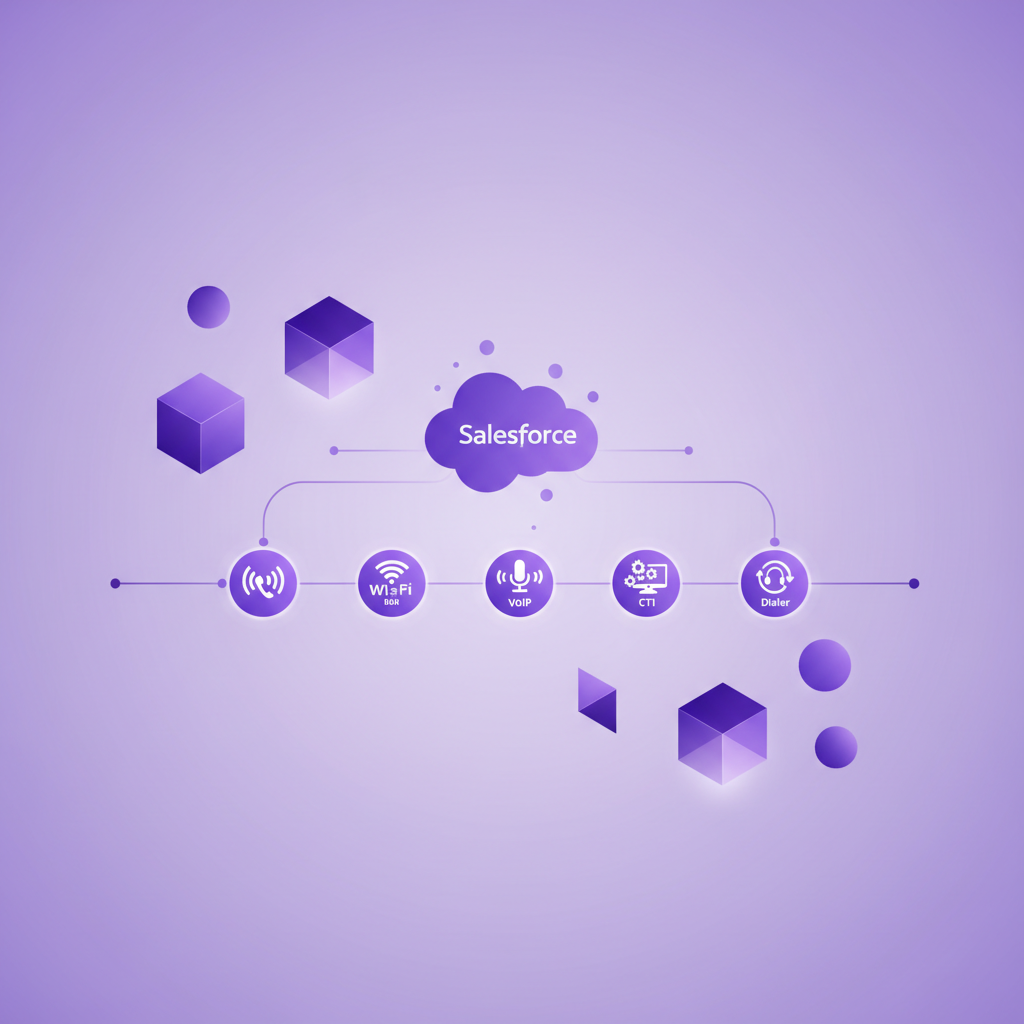
Salesforce Call Source: How to Distinguish Cellular, VoIP, CTI, and Dialer Calls
Salesforce can show that a call happened without clearly showing how it happened.
That distinction matters more than it first appears. A conversation made through a native mobile dialler behaves differently from a call placed through a browser softphone. A contact centre queue produces different operational data from a direct customer callback. A VoIP app may depend on data coverage, while a cellular call uses the mobile network.
If every interaction is simply labelled as a call, managers cannot tell which channels people actually use, administrators cannot test whether each call path is complete, and migration teams cannot see where customer conversations may disappear.
The solution is to record call source as its own technical dimension. Call source should explain the route or system that produced the conversation. It should not be confused with direction, purpose, outcome, marketing attribution, or the Salesforce record that stores the activity.
This guide explains how to design that distinction for Salesforce mobile teams.
What does call source mean in Salesforce?
Call source describes the technical origin or calling path behind a conversation.
Useful source values might include native cellular, mobile VoIP app, Salesforce CTI, Salesforce Sales Dialer, contact centre queue, desk phone, or another approved telephony channel.
This is different from several fields that sound similar.
- Call direction says whether the call was inbound, outbound, or internal.
- Call purpose says why the conversation began.
- Call outcome says what the conversation produced.
- Campaign source connects activity with a marketing acquisition or influence model.
- Record type says how Salesforce stores the interaction.
A customer can make an inbound call about a renewal, reach an account manager on a native cellular number, agree to a pricing review, and have the activity stored as a Salesforce Task. Those are five separate facts. Combining them into one label makes reporting less reliable.
Why the standard Salesforce fields may not answer the whole question
Salesforce provides call related fields on more than one object, but their behaviour depends on the telephony architecture.
The standard Task object includes fields such as Call Type, Call Duration, Call Object Identifier, and Call Result. Salesforce explains that several of these fields are connected with CRM Call Center and CTI behaviour. A non CTI mobile integration may therefore need a different field design to describe the channel consistently.
Salesforce Voice uses the VoiceCall object, which includes fields such as Call Origin, Call Type, Call Subtype, and Source Type. The Salesforce VoiceCall reference also makes clear that the object serves Salesforce Voice, Sales Dialer, and supported voice connectors. In the Telephony Integration API, Call Subtype can distinguish PSTN from WebRTC, which separates phone network calls from VoIP calls at the protocol level.
These standard fields are useful, but a mixed Salesforce estate can still contain Tasks, VoiceCall records, vendor objects, and manually logged activities. The same label may not be available or mean exactly the same thing across every object.
Before adding a new field, administrators should inventory the existing objects and values. The objective is not to create another taxonomy for its own sake. It is to establish one reporting dimension that remains understandable across the call paths the business actually uses.
The six source values most mobile teams should consider
The right taxonomy depends on the organisation, but six categories cover many practical Salesforce environments.
1. Native cellular
The user makes or receives the call through the normal mobile dialler over the cellular network.
This value is important for field sales, recruitment, financial services, account management, and other teams that speak with customers away from a desk. It shows that the conversation did not depend on a browser softphone or VoIP app.
2. Mobile VoIP
The user places or receives the call through a mobile application using an internet connection.
This should remain distinct from native cellular even when both calls happen on the same handset. The user experience, network dependency, number presentation, recording method, and failure modes can differ.
3. Salesforce CTI
The call begins or is handled through a softphone connected with Salesforce through a CTI framework.
This source is common for users working inside a Salesforce console. It may support screen pops, click to call controls, activity logging, and record context. It does not prove that calls made outside the softphone are captured.
4. Salesforce Sales Dialer
The conversation is created through Salesforce Sales Dialer.
Keep this source separate when adoption, licensing, coaching, or workflow reporting needs to measure dialer activity specifically. Salesforce currently recommends building Sales Dialer reports from Voice Calls, and its reporting guidance notes that custom Task and Activity fields are not supported in that report.
5. Contact centre voice
The call enters or leaves through a managed contact centre channel with routing, queues, agent state, and supervisor controls.
This is operationally different from a direct mobile call even if both ultimately reach the same employee. Queue events, transfers, hold time, and missed call rules may exist only for the managed channel.
6. Manual or unknown
The activity was entered manually or the originating system could not be verified.
Unknown is a valid control value. It is better than assigning a confident source based on weak evidence. Teams can review unknown records, improve integrations, and reduce the rate over time.
What should the call source field capture?
A useful source field should describe the call path at a level that supports decisions without becoming too detailed to maintain.
For many teams, the minimum design includes:
- Source family, such as cellular, VoIP, CTI, dialer, or contact centre
- Source product or connector when vendor level reporting is genuinely needed
- Device or interface, such as native mobile dialler, mobile app, browser, or desk phone
- Network or protocol where relevant, such as cellular, PSTN, or WebRTC
- Original external call identifier for reconciliation
- Capture status showing whether the expected Salesforce record and artifacts arrived
Do not force all six ideas into one picklist. Source family should remain stable enough for reporting. Product, device, protocol, and call identifier can sit in separate fields when they are needed.
This separation also protects the reporting model during a vendor change. A business can replace one VoIP provider without rewriting historical records that correctly belong to the wider VoIP source family.
How should call source work across Task and VoiceCall records?
Mixed object models need an explicit reporting plan.
A Task may represent a native mobile call, a CTI call, or a manually logged conversation. A VoiceCall record may represent Sales Dialer, Salesforce Voice, or another supported connector. A vendor package may also create a custom call log and a related Task.
The goal is not necessarily to force every channel into one Salesforce object. It is to make the technical source comparable without counting one conversation twice.
A practical design can use these rules:
- Give each real conversation one stable external identity.
- Record the source on the most authoritative call record.
- If a secondary activity exists for timeline visibility, relate it to the authoritative record.
- Prevent dashboards from adding both records as separate calls.
- Preserve the original source when a record is copied, converted, or enriched.
- Keep derived labels separate from source values supplied by the telephony system.
Salesforce also provides a UnifiedVoiceCall object for reporting across supported Task and VoiceCall records. Whether that model fits a particular organisation depends on its licences, connectors, and reporting design. Administrators should test actual records rather than assume every telephony source will appear with the same detail.
Five reporting questions a source field should answer
A source taxonomy earns its place when it helps the business answer real questions.
Which channels do customer facing teams actually use?
Compare source by team, role, location, and time period. This can reveal that a nominally desk based workflow becomes mobile after certain hours or that a field team rarely uses the approved VoIP app.
Are important channels reaching Salesforce completely?
Compare telephony totals with Salesforce records for each source. A high overall capture rate can hide a serious gap if contact centre calls are complete but direct mobile calls are missing.
Where do duplicate records come from?
One call may create a vendor object, a Task, and a VoiceCall record. Source plus external call identity makes it easier to identify duplication and choose the authoritative record.
Does call quality vary by channel?
Connection rate, duration, dropped calls, transcript availability, and follow up completion may differ across cellular, VoIP, and managed voice paths. Compare carefully, since team behaviour and customer context can also explain the difference.
Will a migration preserve conversation coverage?
Source reporting gives migration teams a baseline. They can see whether the new architecture reproduces only the console workflow or also preserves direct callbacks, native mobile calls, and calls made where data coverage is weak.
Common mistakes when defining call source
Using inbound and outbound as source values
Direction is not source. Both inbound and outbound calls can happen through cellular, VoIP, CTI, dialer, or contact centre channels.
Calling every phone interaction CTI
CTI describes a specific integration pattern. It should not become a generic label for every call that eventually reaches Salesforce.
Treating the Salesforce object as the source
Task and VoiceCall describe storage models. Either object may represent more than one calling path.
Overwriting original source after enrichment
An AI workflow may add purpose, outcome, sentiment, or next actions. Those fields should not replace the technical evidence of how the call entered the system.
Inferring source from the assigned user
The same rep may use a browser softphone at a desk, a VoIP app while travelling, and the native mobile dialler during a customer visit. User identity does not prove channel.
Creating a long vendor specific picklist
Provider names change. Acquisitions, contract changes, and regional products can leave a fragmented history. Use a stable source family and store provider detail separately when it matters.
A practical Salesforce implementation sequence
1. Inventory real call paths
List every way employees and customers start, receive, transfer, and return calls. Include direct callbacks and calls made outside Salesforce.
2. Inspect current objects and fields
Review Tasks, VoiceCall records, vendor call logs, integration identifiers, and any existing source fields. Check which values are system controlled.
3. Define a small source taxonomy
Choose values that represent meaningful architecture differences. Avoid categories that nobody will use for reporting or controls.
4. Map each connector explicitly
Document which system sets each value, when it is set, and whether users can edit it. The originating integration should normally provide the source.
5. Protect identity and deduplication
Preserve the external call identifier and define which record is authoritative when more than one Salesforce object represents the conversation.
6. Test ordinary and awkward scenarios
Include an outbound native mobile call, an inbound direct callback, a VoIP app call, a browser CTI call, a queued contact centre call, a transferred call, an unknown caller, a weak data condition, and a duplicate customer number.
7. Build source aware reports
Start with call count, capture rate, duplicate rate, unmatched rate, and artifact completeness by source. Add commercial or service measures only when the underlying records are trustworthy.
8. Review unknown and conflicting values
Treat source exceptions as integration signals. A rising unknown rate may indicate a new call path, a mapping change, or a connector failure.
Where RocketCell fits
RocketCell is designed to capture ordinary business mobile calls and bring them into Salesforce automatically.
For teams using RocketCell eSIM or SIM service, calls can take place through the native mobile experience over the cellular network. The resulting Salesforce activity can include the call record and, where configured, recording, transcript, summary, and suggested next actions.
RocketCell also supports VoIP calling through the RocketPhone mobile app when teams need it. That makes the source distinction practical rather than theoretical. Cellular and VoIP calls can belong in one customer history while still retaining their different technical origins.
RocketCell does not decide the complete Salesforce taxonomy for every organisation. Object choice, field mapping, access, recording policy, retention, and reporting remain part of each customer's design. Its role is to close the native mobile conversation gap so call source reporting can include the channel that field teams often use most naturally.
Frequently asked questions
Is call source the same as call type in Salesforce?
Not necessarily. Call Type often describes inbound, outbound, or internal direction. Call source should identify the technical channel or system, such as native cellular, mobile VoIP, CTI, Sales Dialer, or contact centre voice.
Should cellular and VoIP calls have different source values?
Yes, when the distinction affects reliability, adoption, recording, compliance, migration, or reporting. They can still share the same customer history and outcome model.
Can Salesforce report across Task and VoiceCall records?
It can, but the available approach depends on the Salesforce products, connectors, objects, and report types in use. Test the actual record model and prevent duplicate counting before relying on a combined dashboard.
Should users choose the call source manually?
Usually not. The telephony integration should set technical source whenever possible. Manual selection creates avoidable inconsistency and may describe user belief rather than system evidence.
What if the source is uncertain?
Use an unknown or review required value. Preserve the original identifier and investigate the mapping rather than assigning a confident category without evidence.
Conclusion
Call source is a small field with a large job.
It tells Salesforce teams whether a conversation came through native cellular calling, a VoIP app, CTI, Sales Dialer, a managed contact centre, or an unverified path. That clarity supports more accurate channel adoption, integration health, migration, quality, and coverage reporting.
Keep source separate from direction, purpose, outcome, campaign attribution, and object type. Use stable categories, preserve the external call identity, and test the call paths people actually use.
When Salesforce can distinguish how conversations happened, it becomes much easier to see which channels are complete and which customer calls are still missing.