
Salesforce Field Service Mobile Calls: What Technicians Should Capture in Salesforce
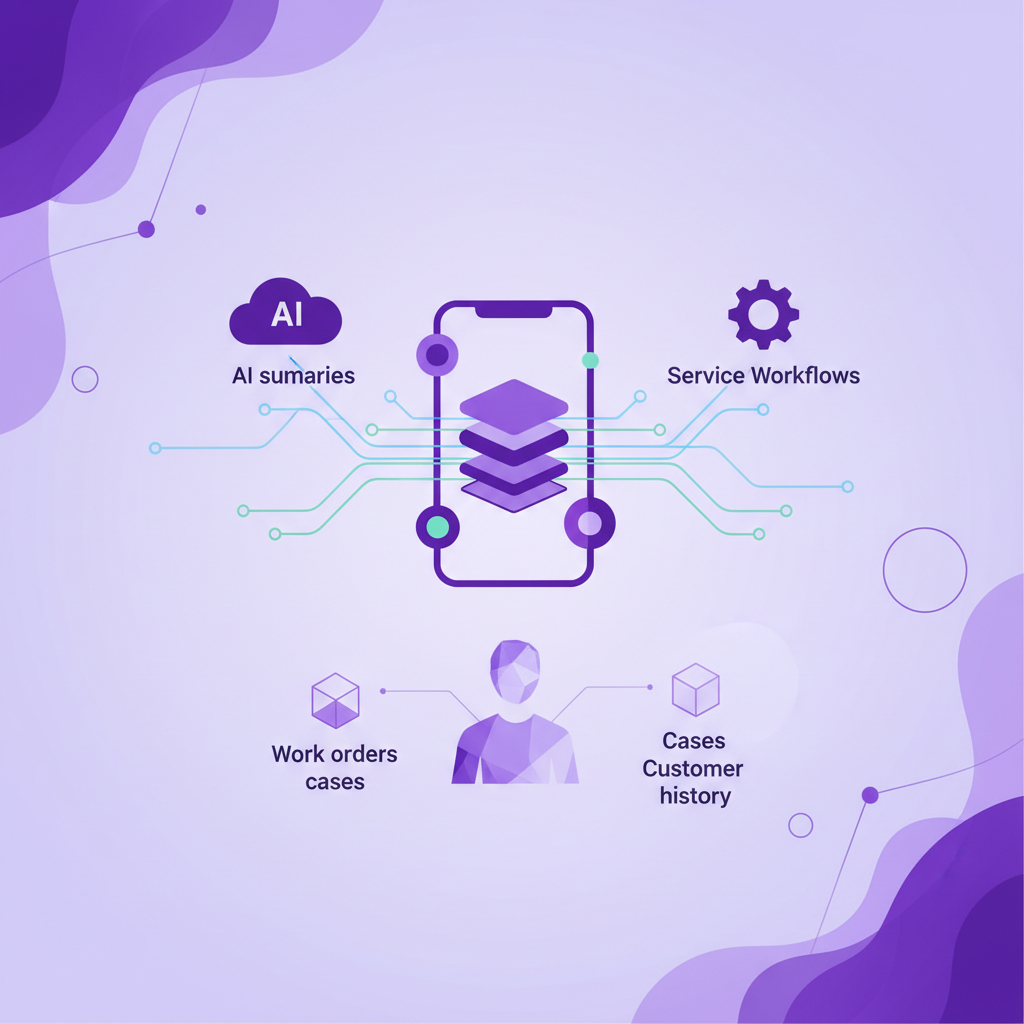
Field service teams usually think carefully about work orders, appointments, parts, assets, cases, and customer history. The weak spot is often the phone call.
A customer calls the technician before arrival. The technician calls the customer from the van. A site manager rings after the visit with one more detail. A dispatcher calls to clarify access, safety, timing, or parts. These calls can decide whether the job succeeds, but they often sit outside the Salesforce record.
That is a problem if Salesforce is meant to be the system of record for service.
The short answer is simple: field service mobile calls should capture who called, which customer or asset the call relates to, what was agreed, what changed, what risk was raised, and what should happen next. If the call is only visible as a timestamp or a missed note, service leaders do not have enough context to manage cases, coach technicians, report on outcomes, or trust AI summaries.
Why field service calls are different from sales calls
Sales calls usually revolve around pipeline, objections, buying signals, next steps, and revenue timing. Field service calls are different. They sit closer to delivery.
A technician call might include access instructions, fault symptoms, safety warnings, site constraints, part availability, customer frustration, appointment timing, or confirmation that a job was completed. The value is not only that the conversation happened. The value is the operational detail inside it.
That makes field service call capture a different problem from basic call logging. A simple activity that says a call lasted six minutes may prove there was contact, but it does not explain why the job was delayed, why the customer escalated, what the technician promised, or what the dispatcher needs to do next.
For mobile service teams, the useful Salesforce record is the one that helps someone else understand the job without asking the technician to remember it later.
What Salesforce should know after a technician mobile call
A complete mobile call record for field service does not need to be complicated. It does need to be specific enough to support the real work around a case, work order, or customer account.
Here is what service teams should expect to capture.
- Call identity
Salesforce should know who made or received the call, which number was involved, the call direction, the time, and the duration. This sounds basic, but it is the foundation for every report, timeline, and audit trail that follows.
- Customer and record match
The call should connect to the right Salesforce context. That might be a Contact, Account, Case, Work Order, Asset, Opportunity, or custom object depending on how the service team works. If the call is linked to the wrong record, the data can be worse than missing because it gives managers false confidence.
- Job context
Field service calls often make sense only when tied to the job in progress. The record should preserve whether the call was about arrival time, access, diagnosis, parts, safety, completion, quote approval, follow up, or escalation.
- Recording where appropriate
When recording is enabled and permitted by the company policy and local rules, the audio can help teams review customer disputes, technician handovers, quality issues, and compliance sensitive conversations. The point is not to record for the sake of recording. The point is to make important customer context available when the business has a valid reason to review it.
- Transcript
A transcript gives Salesforce a searchable source of truth. It helps managers find the exact detail that matters, such as a fault description, site instruction, customer commitment, or promised resolution. It also gives AI workflows better raw material than a short manual note.
- Summary
A summary should explain what happened in plain language. It should surface the customer issue, the technician response, the decision made, and any change to the job. For field service, the best summaries are practical. They help the next person act.
- Next action
Many service calls create follow up work. Salesforce should make it clear whether someone needs to order a part, rebook an appointment, call the customer back, update a case, send a quote, escalate a complaint, or close the loop after completion.
- Outcome
The call outcome should be reportable. Was the issue resolved? Was the appointment confirmed? Was access denied? Did the customer ask for a manager? Did the technician need a return visit? Outcomes turn conversation history into service performance data.
Why AI service summaries need complete mobile call capture first
Salesforce service teams are rightly interested in AI. Summaries, suggested next actions, work order updates, coaching notes, and agentic workflows can all reduce admin and improve customer experience.
But AI cannot summarize a call that never reached Salesforce.
That is the practical issue for field service. The highest value conversations often happen on ordinary mobile calls because technicians are moving between jobs, working in poor data coverage, dealing with customers on site, or taking direct callbacks from customers who already have their number.
If those conversations are not captured, AI will only see part of the service journey. It might see the work order, the case notes, and the scheduled appointment, but miss the call where the customer explained the real fault, changed access instructions, approved extra work, or complained about a previous visit.
Incomplete input creates incomplete output. That is true for summaries, reports, coaching, and automated follow up.
Where mobile service call gaps usually appear
Most teams do not have a visibility problem because nobody cares about Salesforce. They have a visibility problem because the workflow does not match how mobile workers behave.
Common gaps include technicians calling from the native phone dialer, customers calling technicians directly, poor mobile data coverage stopping app based calling, urgent calls being handled before a record is opened, and notes being added hours later from memory.
These are normal field conditions. A good system should be designed around them.
If the capture process depends on the technician opening a separate app, pressing the right button, remembering to log the call, or typing notes at the end of a long day, the service record will always be partial. Some calls will be logged well. Some will be logged badly. Some will disappear.
The question is not whether technicians should be disciplined. The question is whether the system can capture the work as it actually happens.
What service leaders should ask before choosing a call capture setup
Before relying on any mobile call logging, recording, or AI summary workflow for field service, ask these questions.
-
Does it capture ordinary cellular calls or only calls made inside an app?
-
Does it capture inbound customer calls to a technician mobile number?
-
Does it work when data coverage is poor but cellular calling still works?
-
Does it match calls to the right Salesforce record, not just the right phone number?
-
Can it connect calls to cases, work orders, assets, and accounts where needed?
-
Does it create useful transcripts and summaries, not only call timestamps?
-
Can it surface next actions that are practical for dispatchers, managers, and service agents?
-
Can managers and compliance teams control who can review recordings, transcripts, and summaries?
-
Can unresolved or ambiguous calls be reviewed instead of being forced onto the wrong record?
-
Can the team report on outcomes across technicians, jobs, customers, and service regions?
These questions matter because field service quality depends on handover. The technician who took the call may not be the person who updates the case, orders the part, handles the complaint, or speaks to the customer tomorrow.
What this means for Salesforce reporting
Field service reports are weak when they measure only volume. Call count, duration, and missed calls are useful signals, but they do not explain customer experience or job quality on their own.
Better reporting starts when calls are connected to context. Service leaders can then see patterns such as repeat calls after a visit, calls that lead to escalations, calls linked to return visits, calls that mention missing parts, or calls where a customer was promised a follow up.
This is where mobile call capture becomes more than admin automation. It becomes service intelligence.
A complete record helps answer questions like:
-
Which customers needed several calls before a job was completed?
-
Which service issues are creating the most mobile follow up?
-
Which technicians are handling difficult calls well?
-
Which call outcomes predict a repeat visit or escalation?
-
Which parts of the service process create the most confusion for customers?
Those answers are hard to get from manual notes. They are also hard to get from a call system that captures only app based or desk based conversations.
Where RocketCell fits
RocketCell is built for Salesforce teams whose important conversations happen on mobile phones. It uses the business mobile network layer so reps and mobile workers can keep making normal cellular calls, while calls are captured, transcribed, summarized, and logged in Salesforce automatically.
For field service teams, that means the call around the job can become part of the customer record without asking technicians to change their calling behavior or type notes after the call.
RocketCell is not a replacement for Salesforce Field Service, dispatch processes, service policy, or a company compliance programme. It is the mobile conversation capture layer that helps Salesforce see what happened on ordinary technician calls.
That distinction matters. Field service teams do not need another place where customer context can get stuck. They need the mobile call to land where the work is already managed.
A practical next step
If your team uses Salesforce for field service, review a sample of recent jobs and ask one question: can someone understand the customer conversations around that job without asking the technician?
If the answer is no, the issue is not only call logging. It is conversation coverage.
The strongest service teams will not treat technician calls as side conversations. They will treat them as part of the service record. Once mobile calls are captured, matched, transcribed, summarized, and connected to the right Salesforce context, managers can make better decisions, customers get cleaner follow up, and AI has a more honest view of the work that actually happened.