
Salesforce Integration Health for Mobile Calls: How to Find Missing Call Records
A mobile call can happen successfully and still fail to become a useful Salesforce record.
That distinction matters. The employee spoke to the customer. The mobile network carried the call. Yet Salesforce may show nothing, show the activity late, attach it to the wrong record, or create a shallow entry with no transcript, summary, or next action.
When that happens occasionally, teams tend to treat it as an isolated nuisance. At scale, it creates a quieter problem. Reports become incomplete, managers lose context, compliance reviews miss evidence, and AI workflows act on a partial customer history.
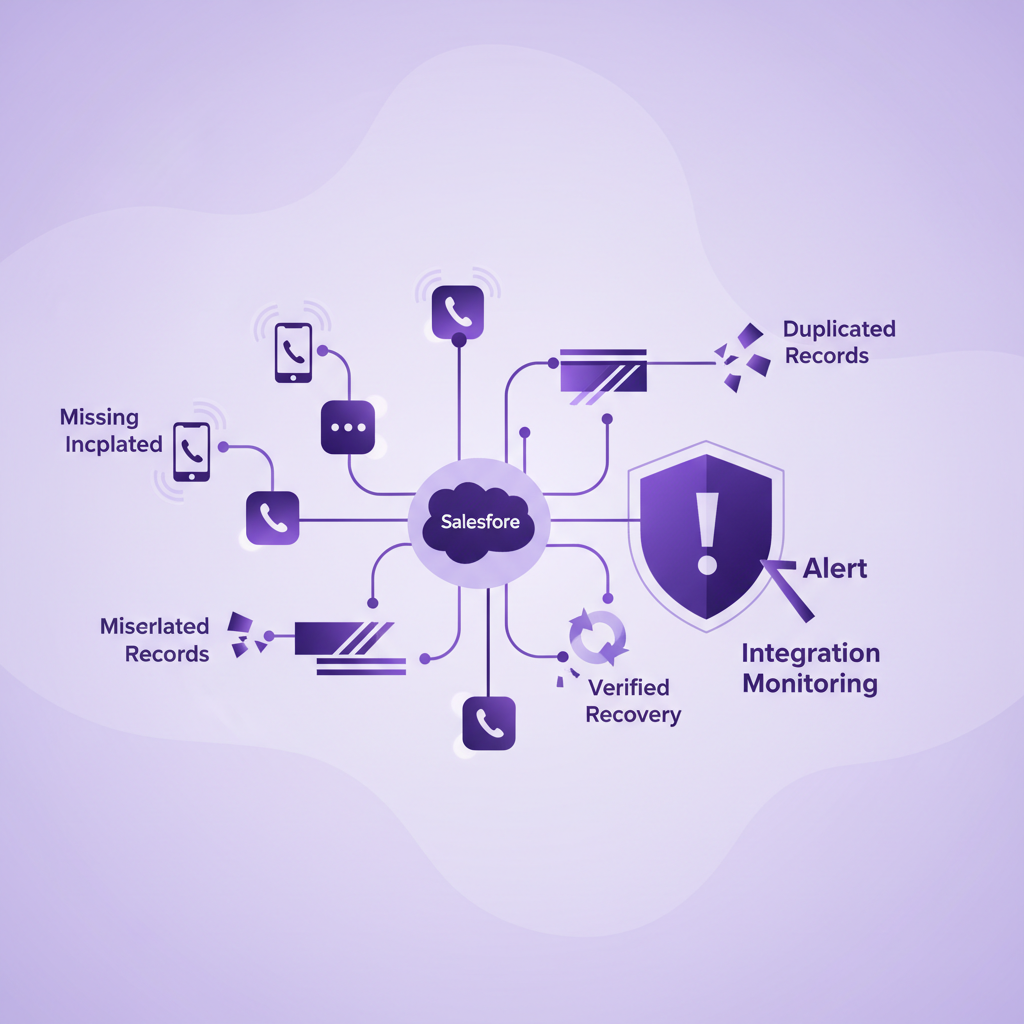
Salesforce integration health is the discipline of checking that real calls consistently arrive in Salesforce as complete, correctly matched, usable records. It is not enough to confirm that an integration is connected. Admins need to verify the full path from the completed call to the final Salesforce record.
This guide shows how to do that without relying on rep memory or waiting for a missing record to cause a visible business problem.
What does Salesforce integration health mean for mobile calls?
For mobile calls, integration health means that the systems responsible for capture, processing, and Salesforce delivery are working together as expected.
A healthy workflow can answer four questions for each eligible call:
- Was the call captured by the approved business mobile service?
- Did the integration receive and process the call event?
- Did Salesforce create or update the expected activity and related records?
- Is the Salesforce record complete enough for its intended use?
These are separate checks.
A green connection indicator may prove that a user authenticated recently. It does not prove that every eligible call created a record. A Salesforce Task may prove that an activity was written. It does not prove that the call matched the correct Contact, Account, Opportunity, or Case. A visible summary may look complete while the recording or transcript failed to arrive.
Integration health therefore needs both technical monitoring and business data checks.
Why connected does not always mean healthy
Mobile conversation data usually passes through several stages after a call ends.
The call service creates source metadata. Recording and transcription may run according to company policy and configuration. The system may match the phone number to one or more Salesforce records. An integration user then creates or updates an activity, related object, summary, recording link, transcript, outcome, or follow up action.
Several things can interrupt that path:
- An expired or revoked Salesforce session
- Missing permissions for the integration user
- Salesforce API limits or temporary API errors
- A configuration change in Salesforce or the connected service
- A phone number that matches no record or several records
- A validation rule or required field that rejects a write
- A processing delay in recording, transcription, or summarisation
- A user, number, call type, or region that is outside the intended policy
- A partial write that creates an activity but omits later artifacts
- A retry that creates a duplicate instead of updating the original record
Salesforce currently advises integration owners to inspect error codes and response bodies, monitor API consumption, and implement automatic retries for temporary errors. It also documents proactive monitoring for failures to create Voice Call records in relevant Salesforce Voice environments.
The practical lesson is broader than any one product. A production call integration needs observable evidence of success and failure.
The four layers of a complete health check
1. Source call evidence
Start with an independent record that the call happened.
This may be a mobile network call record, an approved provider call detail record, or another source maintained by the business service. It should identify the user or business number, direction, start time, end time, and a stable call identifier where available.
Without source evidence, Salesforce can only tell you what reached Salesforce. It cannot reveal the eligible calls that disappeared before a record was created.
2. Integration processing evidence
The integration should show whether it received the event, attempted the Salesforce write, succeeded, retried, or failed.
Useful evidence includes timestamps, integration user, target object, response status, error category, retry count, and a correlation identifier that links the event to the source call.
Admins do not need every low level log in a dashboard. They do need enough information to distinguish authentication problems, permission errors, API pressure, invalid data, matching uncertainty, and temporary service failures.
3. Salesforce record evidence
Confirm that the expected Salesforce record exists and has the correct relationships.
Depending on the implementation, that may be a Task, Voice Call record, another standard object, or a custom object. Check the activity owner, date and time, direction, duration, related person, related business record, call identifier, and source system.
The presence of any call activity is not enough. A call linked only to an Account may be incomplete if the workflow requires an Opportunity or Case relationship. A record owned by an inactive integration user may be visible but operationally useless.
4. Conversation artifact evidence
Finally, check the artifacts that make the record useful.
These can include a recording where policy allows it, a transcript where enabled, an AI summary, call purpose, call outcome, commitments, suggested next action, and a follow up task.
Some artifacts arrive after the base activity. That is normal if the expected processing window is defined. The health check should distinguish a valid delay from a failed or permanently incomplete record.
How to detect missing mobile call records in Salesforce
The strongest method is reconciliation. Compare the independent list of eligible completed calls with the Salesforce records created for the same period.
Step 1. Define an eligible call
Write down which calls should create Salesforce records.
Clarify whether the rule includes inbound and outbound calls, answered calls, missed calls, voicemail, internal calls, short calls, international calls, calls to unknown numbers, and calls made outside business hours.
If eligibility is vague, the team cannot tell the difference between an expected exclusion and a failure.
Step 2. Choose a stable matching key
A provider call identifier is usually the clearest key when it is available in both systems.
If it is not, use a controlled combination of business number, external number, direction, start time, and duration. Allow for known timing differences, but make the tolerance explicit.
Phone number alone is not a reliable reconciliation key. The same number can appear in several calls, and number formatting can vary.
Step 3. Compare counts and individual records
Start with a daily count by user and direction, then inspect the unmatched records.
Counts can expose a broad outage quickly. Individual matching reveals the quieter failures that totals hide, such as one missing call offset by one duplicate.
Calculate at least these measures:
- Eligible calls in the source system
- Salesforce records created
- Source calls with no Salesforce record
- Salesforce records with no source match
- Duplicate Salesforce records
- Records created outside the expected time window
- Records missing required relationships or artifacts
Step 4. Classify every exception
Do not leave the unmatched list as a generic failure queue.
Use a small set of actionable categories such as authentication, permission, API limit, validation, configuration, unmatched caller, ambiguous match, processing delay, policy exclusion, user setup, or unknown.
The category should lead to an owner and a next action.
Step 5. Confirm recovery
A retry is not complete until the correct Salesforce record exists and is usable.
Check that the recovery did not create a duplicate, change ownership unexpectedly, attach the call to the wrong record, or omit the transcript and summary. Record the time from original failure to verified recovery.
What should an integration health dashboard show?
A useful dashboard is small enough to act on.
For most mobile teams, it should show:
- Eligible calls by day
- Successful Salesforce writes
- Missing record count and rate
- Duplicate record count and rate
- Median and longest delivery time
- Records missing a required Contact, Account, Opportunity, or Case relationship
- Records missing an expected recording, transcript, summary, or next action after the allowed processing window
- Failures by error category
- Failures by user, team, number, call direction, and time period
- Salesforce API consumption and recent integration authentication status
Set thresholds around business impact, not vanity percentages.
One missing routine internal call may not require an incident. One missing regulated customer call, complaint, pricing commitment, or vulnerable customer conversation may require immediate review. The right thresholds depend on the use case, policy, and risk level.
A practical daily and weekly operating rhythm
Daily review
Check for a sudden drop in records, a rise in delivery time, authentication failures, API errors, permission errors, and unmatched source calls. Investigate material exceptions before the next reporting or automation cycle.
Weekly review
Review trends by user and team. Look for repeated setup problems, persistent matching gaps, duplicate creation, delayed artifacts, and recurring validation failures. Confirm that previous exceptions were actually recovered.
After every relevant change
Run a targeted test after changes to Salesforce permissions, validation rules, required fields, page layouts, object relationships, connected apps, integration users, call policies, mobile numbers, or provider configuration.
Use a known Contact, an unknown caller, an inbound call, an outbound call, and a call that should relate to an Opportunity or Case. Verify the result at every layer.
Quarterly control review
Reconfirm eligibility rules, required fields, owners, alert thresholds, retention, access, and the incident process. Remove inactive users and numbers. Check whether new Salesforce automation now depends on data that was once optional.
Common mistakes that hide integration problems
Monitoring only authentication
A recent Salesforce session is useful evidence, but it does not prove successful record creation or complete data.
Monitoring only total call activity
Aggregate counts can look normal while individual calls are missing, duplicated, delayed, or misfiled.
Asking reps to report missing records
Employees will notice some obvious gaps. They will not reliably identify every failed transcript, wrong relationship, delayed record, or missing background call.
Treating unknown callers as technical failures
The integration may be healthy even when identity is uncertain. Route unmatched and ambiguous calls into a review workflow instead of forcing an unsafe association.
Retrying without duplicate protection
Retries are essential for temporary errors, but the same source call should not create a second activity. Use a stable identifier and verify the final state.
Declaring success when the base activity appears
A timestamp and duration may satisfy one reporting need but fail another. Define the required artifacts and relationships for each workflow.
How RocketCell fits into the health model
RocketCell is built for Salesforce teams whose important customer conversations happen through ordinary mobile calls.
Employees can make and receive native cellular calls using a business eSIM or SIM, without depending on mobile data for the call itself. After the call, RocketCell can make the call activity, recording and transcript where configured, AI summary, record match, and suggested next action available in Salesforce.
That removes much of the behavioural risk created when employees must remember to use a separate calling path or type notes later. It does not remove the need for operational controls around Salesforce delivery.
A strong RocketCell implementation should still define eligible calls, expected processing times, required Salesforce fields, matching rules, exception owners, access, and recovery procedures. The aim is not merely to capture calls. It is to make the mobile conversation record dependable enough for people, reports, compliance processes, and approved automation.
Frequently asked questions
How quickly should a mobile call appear in Salesforce?
The expected time depends on the implementation and the artifacts being created. The base activity may arrive before a recording, transcript, or summary. Set a documented service expectation for each artifact, then alert when the allowed window is exceeded.
Does a connected app status prove that call logging works?
No. It proves only what that status is designed to measure, often authentication or a recent session. Reconcile eligible calls with completed Salesforce records to prove end to end delivery.
Should every missing call be retried automatically?
Temporary technical failures are often suitable for controlled retries. Invalid data, ambiguous record matching, policy exclusions, and permission problems may require review or correction first. Every retry should be safe against duplicate creation.
How can admins distinguish a missing record from a processing delay?
Define the normal processing window for the base activity and each later artifact. A record is delayed while it remains within that window. It becomes an exception when the expected deadline passes or a failure event is recorded.
What is the most important integration health metric?
The missing record rate is a useful starting point, but it should be paired with record completeness and correct matching. A Salesforce record that exists but cannot support its intended workflow is not a healthy outcome.
Who should own mobile call integration health?
Ownership is usually shared. IT or the provider may own connection and service errors. Salesforce administrators own object, permission, validation, and automation issues. RevOps, service operations, compliance, or another business owner defines what a usable record requires. One named operational owner should coordinate the complete process.
The practical conclusion
Mobile call integration health cannot be proven by a green connection icon or a busy activity report.
It is proven when eligible calls can be traced from an independent source record through integration processing into complete, correctly related Salesforce records. That requires reconciliation, clear exception categories, sensible alerts, safe retries, and verification after recovery.
For mobile teams, this control is becoming more important as Salesforce records feed reporting, coaching, compliance review, and AI workflows. The more the business expects Salesforce to decide or recommend, the more confidently it must answer a simpler question first: did the real customer conversation arrive intact?