
What Happens to Mobile Call History When You Convert a Lead in Salesforce?
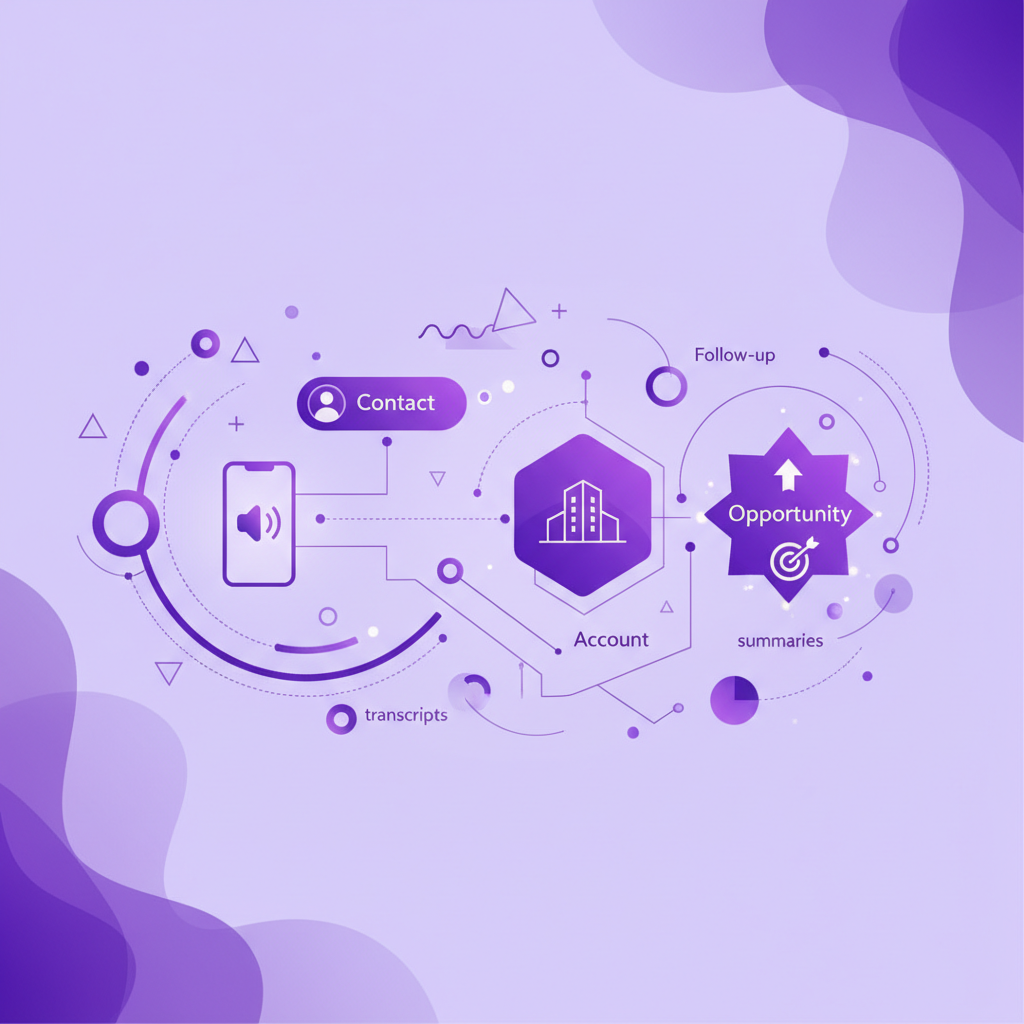
A rep qualifies a promising Lead on a mobile call. The conversation contains the problem, the people involved, the urgency, and the agreed next step. The rep then converts the Lead into a Contact, Account, and Opportunity.
The conversion succeeds. But did the useful call context arrive where the sales team will work next?
That question matters because Salesforce Lead conversion is a one way event. It can move standard activity history to the resulting records, but that does not automatically prove that every recording, transcript, summary, custom field, relationship, permission, and follow up workflow still works as intended.
This guide explains what should happen to mobile call history during Salesforce Lead conversion, what teams need to test, and how to preserve the conversation without treating an AI summary as confirmed qualification.
What happens to call history when a Salesforce Lead is converted?
Salesforce attaches standard activities from a converted Lead to the resulting Account, Contact, and Opportunity. This includes open activities such as pending Tasks and upcoming Events, as well as completed Tasks and past Events in Activity History. If no Opportunity is created, there is no Opportunity record to receive the activity.
That is the useful short answer. The operational answer is more cautious.
A mobile call record may include more than a standard Task. The recording could be stored elsewhere. The transcript might be linked through a file or custom object. The summary may live in custom fields. The next action may be an open Task with a different owner. Access to sensitive source material may depend on record sharing. Custom related records do not necessarily follow the same conversion behavior as standard activities.
Teams should therefore test the whole conversation record, not only confirm that a call row appears after conversion.
Why Lead conversion creates a conversation continuity risk
Before conversion, the Lead is the centre of the sales workflow. Calls, emails, qualification fields, Campaign history, notes, and follow up tasks accumulate around it.
After conversion, the team works from a different set of records.
-
The Contact represents the person.
-
The Account represents the organisation.
-
The Opportunity represents the potential commercial outcome when one is created.
-
The converted Lead becomes read only for most users.
The business question also changes. Before conversion, the team is deciding whether the prospect should enter the managed sales process. After conversion, the team needs a coherent customer and deal history that supports discovery, ownership, forecasting, and follow up.
If the source call is visible only from an old Lead view, the data may technically exist while remaining absent from the seller's daily workflow. If the call appears on several resulting records but the transcript or summary does not, the team sees evidence that contact occurred without knowing what was discussed. If ownership changes but the open task does not reach the right person, context survives while action stalls.
That is why conversion should be treated as a continuity test, not a simple field update.
What parts of a mobile call record should survive conversion?
A useful test covers every part of the conversation that another person may need.
1. Call identity
The resulting records should preserve the date, time, direction, duration, internal user, external number, and original activity identity. These details establish which conversation the record describes.
2. Customer relationship
The activity should be visible from the correct Contact and Account. If an Opportunity is created, sellers should also be able to find the relevant call from the Opportunity workflow.
Visibility in several places does not necessarily mean Salesforce created several independent copies. Teams should understand how the activity is related so deletion, reassignment, reporting, and automation do not produce surprises.
3. Recording and transcript
Where recording and transcription are configured, permitted, and governed by company policy, authorised users should still be able to reach the source material after conversion.
Do not assume that a working link on the Lead will work from every resulting record. Test the actual storage location, relationship, permissions, retention behavior, and user experience.
4. Summary and structured outcome
The concise account of the call should remain available in the record where the next seller works. Important structured data might include the call purpose, outcome, buyer problem, urgency, qualification status, objections, stakeholders, and agreed next action.
The summary should remain traceable to the source conversation. It should also show whether a value came from the caller, the rep, or an AI suggestion.
5. Open follow up
Pending Tasks and future Events need the correct owner, due date, relationship, and context after conversion. Salesforce ownership behavior can vary according to who owns the activity and who performs the conversion, so teams should test real ownership combinations.
The most damaging failure is often not missing history. It is a valid next action that remains assigned to the wrong person after the Opportunity moves forward.
6. Custom qualification fields
Salesforce can map custom Lead fields into custom Account, Contact, or Opportunity fields. The mapping should reflect what each value actually describes.
A person's role belongs on the Contact. A company attribute belongs on the Account. A deal specific need, timing signal, or commercial constraint may belong on the Opportunity. Copying the same value everywhere can create disagreement later.
7. Campaign context
Campaign membership and response history help explain how the person entered the funnel. That context is different from the call itself, but it affects attribution and follow up.
Check that conversion preserves the Campaign relationship needed by marketing and sales reporting. Do not infer that a captured call proves a Campaign caused the Opportunity. Attribution still needs the organisation's agreed rules.
8. Reporting history
Converted Leads continue to matter in Lead reporting even though most users work from the resulting records. Reports should distinguish activity before conversion from activity after conversion without counting the same shared activity several times.
Test the dashboards that sales managers, marketing operations, and revenue operations actually use. A correct record page does not guarantee a correct conversion report.
Standard activities and custom call records are not the same
Salesforce documentation describes how standard activities, notes, files, and selected related lists behave during Lead conversion. Custom related records do not automatically receive the same treatment.
This distinction matters because connected call systems can store information in different ways. One setup may create a standard Task with fields and links. Another may use a Voice Call record, managed package object, custom object, file, external storage service, or a combination of these.
The right question is not simply, "Does Salesforce move activities?"
The right questions are:
-
Which Salesforce object represents the call?
-
Where are the recording, transcript, and summary stored?
-
Which records relate to those artifacts before conversion?
-
Which relationships are changed by conversion?
-
Which relationships require a Flow, trigger, integration rule, or manual review?
-
What can each user see after the Lead becomes read only?
-
Which reports and automations depend on the original Lead relationship?
An admin should be able to answer these questions from the actual data model and a test conversion. Product labels alone are not enough.
How to test mobile call history through Lead conversion
Use a controlled Salesforce test record and a real version of the mobile call workflow.
Step 1: Create a representative Lead
Use the same required fields, record type, Campaign relationship, owner, and qualification data that the production process uses. Include a possible matching Account or Contact if duplicate handling is part of the workflow.
Step 2: Make and receive mobile calls
Test both an outbound call and a direct callback. Include a known number and, if relevant, a number that could match more than one record. Confirm that each conversation reaches the intended Lead.
Step 3: Review the complete call record
Before conversion, record where the activity, recording, transcript, summary, outcome, next action, and any custom fields appear. Note the object names and record identifiers so the team can tell whether the same records remain connected later.
Step 4: Add open and completed activities
Create a completed call activity, an open follow up Task, and a future Event. Assign some items to the person who will perform the conversion and others to a different user. This exposes ownership behavior that a simple single user test can miss.
Step 5: Convert into new records
Convert the Lead into a new Account, Contact, and Opportunity. Check the destination owner, record types, mapped fields, and follow up options selected during conversion.
Step 6: Repeat with existing records
Run a second test that converts a Lead into an existing Account and Contact. Existing data can take precedence over incoming Lead values, so this path needs separate validation. Also test conversion without creating an Opportunity if the business allows it.
Step 7: Inspect every resulting record
Open the Contact, Account, and Opportunity as the new owner and as other relevant roles. Check activity visibility, source links, permissions, field values, task ownership, and report behavior.
Step 8: Test correction and deletion
Correct a summary, reassign an open task, and delete then restore a test activity. Confirm how the change appears across the resulting records. This reveals whether users are seeing one shared activity or assuming several independent copies exist.
Step 9: Test downstream automation
Run the Flows, alerts, scoring rules, assignment logic, dashboards, and AI workflows that depend on the converted records. Pay particular attention to automation triggered by activity updates during conversion.
Step 10: Record the accepted behavior
Document what moves automatically, what stays linked, what requires mapping, what needs review, and which exceptions should stop conversion. Make the result part of admin regression testing whenever the integration or Salesforce configuration changes.
What should be confirmed before a rep converts the Lead?
Lead conversion should not become an automatic reward for a completed call. A conversation can provide evidence, but the business still needs a conversion standard.
Before conversion, confirm:
-
The person and organisation are identified with reasonable confidence.
-
Duplicate Lead, Contact, and Account candidates have been reviewed.
-
The call is attached to the correct Lead.
-
The reason for conversion is supported by the conversation or another approved source.
-
Required Contact, Account, and Opportunity fields have values that belong on those records.
-
Important uncertainty remains visible rather than being replaced by a confident summary.
-
The next action has an owner and date.
-
The resulting owner can access the appropriate call context.
-
Sensitive source material follows the organisation's access and retention policy.
-
The conversion path has been tested for the relevant record type and integration.
The standard should be clear enough for a rep to use and strict enough to prevent avoidable duplicate records or empty Opportunities.
Where AI can help and where it should stop
AI can reduce the manual work around Lead conversion. It can suggest a summary, identify names and dates, detect a possible next step, propose field values, and highlight missing qualification information.
It should not silently decide that the Lead is qualified, select the correct existing Account from an uncertain match, or turn an ambiguous phrase into confirmed budget, authority, need, or timing.
A practical model separates three layers.
-
Source evidence is what happened in the call, including the activity and governed source material.
-
Suggested interpretation is what an AI system or rep believes the conversation means.
-
Confirmed Salesforce status is the value accepted under the organisation's process.
Keeping those layers distinct makes correction easier and gives downstream AI a more trustworthy record.
Where RocketCell fits
RocketCell is built for teams whose important sales conversations happen through normal mobile calling.
Employees use a RocketCell eSIM or SIM to make and receive native cellular calls through the familiar phone experience. RocketCell can bring call activity into Salesforce automatically, with recording where configured and permitted, transcription, AI summaries, record matching, and suggested next actions.
This gives the business a stronger starting point before Lead conversion. The mobile conversation can become Salesforce context without relying on the rep to recreate it from memory after the call.
RocketCell does not decide whether a Lead should convert, which existing record is correct, or which commercial claims are confirmed. Its role is to make the native mobile conversation available so people and governed Salesforce workflows can make those decisions with better evidence.
Frequently asked questions
Do completed Tasks move when a Salesforce Lead is converted?
Yes. Salesforce attaches completed Tasks and other activity history from the converted Lead to the resulting Account, Contact, and Opportunity. Teams should still test related recordings, transcripts, summaries, files, permissions, and custom records separately.
What happens to open follow up Tasks?
Open activities are attached to the resulting records, but reassignment depends on ownership and conversion behavior. Test the combinations used by your team so the next action reaches the intended owner.
Does every converted Lead need an Opportunity?
No. Salesforce can convert a Lead without creating an Opportunity when the user selects that option and the organisation permits it. The business should define when a qualified person belongs in the Account and Contact model without an active deal.
Can Lead conversion be undone?
Salesforce Lead conversion is a one way process. There is no standard undo action that restores the original working state. This makes duplicate review, field mapping, ownership, and artifact testing important before rollout.
Will a recording and transcript move automatically?
It depends on how the connected call service stores and relates those artifacts. Standard activity behavior does not prove that a custom object, external file, or managed package relationship will follow the same path.
Should AI convert a Lead after a strong call?
AI can identify evidence and suggest that conversion criteria may be met. A governed process should confirm identity, duplicate risk, qualification, destination records, and next ownership before the one way conversion occurs.
Make conversion preserve the conversation
Salesforce Lead conversion should turn a qualified prospect into a usable customer and deal record without losing the reason the conversion happened.
Standard activity history provides an important foundation. The work is not finished until the call identity, source material, summary, structured fields, ownership, permissions, reporting, and next action remain useful from the Contact, Account, and Opportunity.
Test that path with real mobile calls and real user roles. When the complete conversation survives conversion, the next seller can continue the relationship with context instead of starting again from a row that merely says a call occurred.