
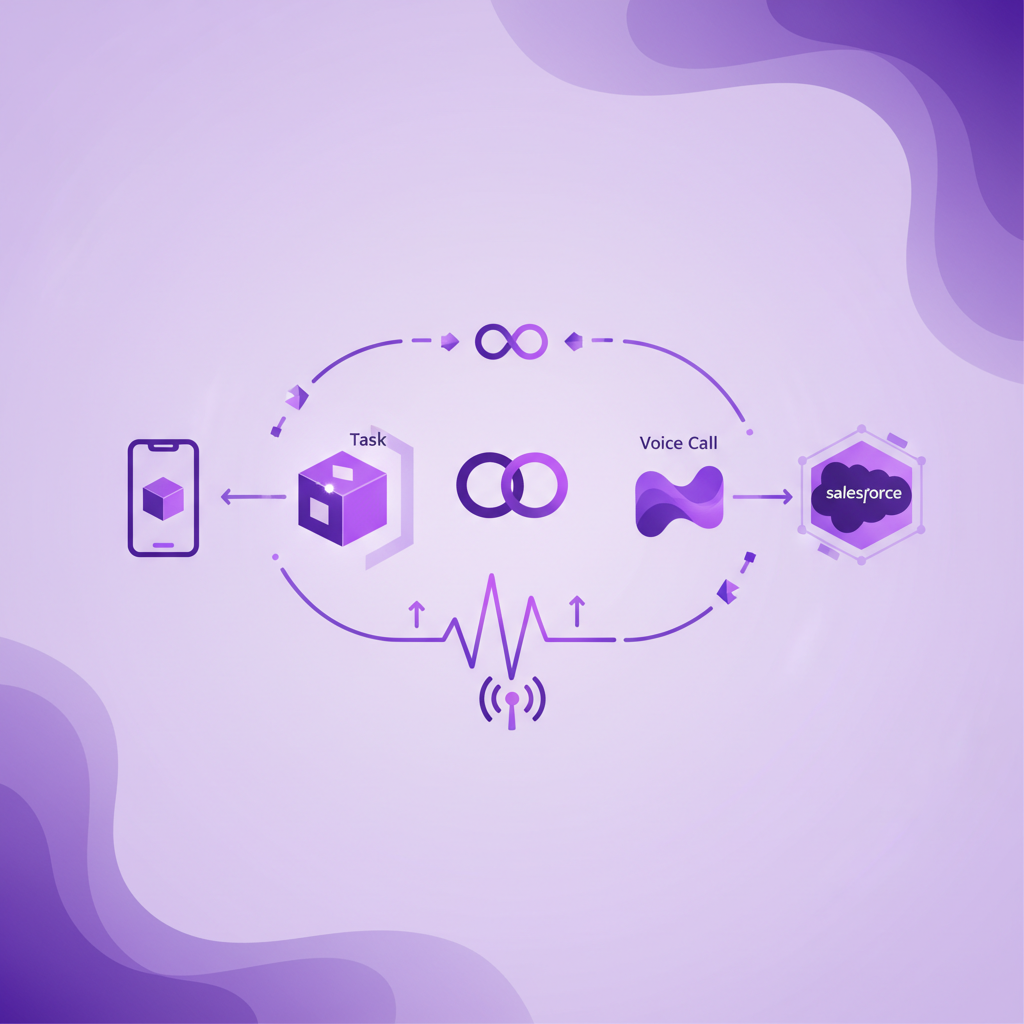
Salesforce Task vs Voice Call: Which Object Should Store Mobile Calls?
When a business connects phone conversations to Salesforce, one technical question appears quickly: should a call become a Task or a Voice Call record?
The short answer is that both objects can represent call activity, but they serve different Salesforce workflows.
A completed Task is the familiar activity record created by the standard Log a Call action. A Voice Call record belongs to Salesforce voice architectures and carries more specialised telephony context. For teams whose customer conversations happen on ordinary mobile phones, however, the object choice is only half the decision. Salesforce cannot store useful call data unless the calling setup captures the conversation first.
That distinction matters because a beautifully designed data model still produces an incomplete customer history when mobile calls remain outside the tracked workflow.
What is a Salesforce Task for a phone call?
In Salesforce, the standard Log a Call action creates a completed Task. It appears in activity history and can be related to the people and business records that matter, such as a Lead, Contact, Account, Opportunity, Case, Work Order, or another activity enabled object.
This makes Task a practical home for call activity across sales, service, recruitment, account management, and field operations. Most Salesforce users already understand where activities appear, while admins can build familiar reports, fields, layouts, and automations around them.
A useful mobile call Task can contain much more than a subject and timestamp. Depending on the connected calling system and customer configuration, it can include:
- call direction
- start time and duration
- the user who handled the call
- the matched Salesforce record
- call outcome or disposition
- a recording link where recording is appropriate
- a transcript
- an AI summary
- agreed next actions
- follow up ownership and timing
The key word is useful. A thin Task that says only that a four minute call happened may help an activity count, but it does not tell the next person what changed.
What is the Salesforce Voice Call object?
Voice Call is a separate Salesforce object used with Salesforce voice telephony models. It is designed to represent a phone conversation within a more specialised voice workflow and can hold structured details about the call lifecycle, routing, participants, timing, and related conversation data.
For a contact centre or service organisation using Salesforce Voice, that structure can be valuable. Supervisors, service teams, and automation can work with a record shaped specifically around the voice interaction rather than treating the call as one general activity among many.
Voice Call should not be confused with the Log a Call button. Log a Call creates a completed Task. Voice Call records are produced by supported voice architecture and licensing, not simply by changing the label on a standard activity.
That is why the question is not merely which object looks richer. The real question is which call environment the business operates and which records its users, reports, permissions, and workflows are designed to use.
What is the main difference between Task and Voice Call?
The main difference is purpose.
Task is a general Salesforce activity object. It works well when a call needs to sit naturally in the activity timeline alongside emails, meetings, follow up tasks, and other customer interactions.
Voice Call is a specialised telephony object. It works well when the organisation uses Salesforce Voice and needs the call to participate in a deeper contact centre or service voice model.
Neither answer is automatically better. A sales team with field reps may value a rich completed Task attached to the right Opportunity. A service operation may need Voice Call records that support its established voice routing and supervisor workflow. A larger organisation may use different models for different channels or teams.
The wrong choice is the one made without considering how the data will be captured, found, governed, reported, and used after the call.
Does the Voice Call object capture ordinary mobile calls?
Not by itself.
An object is a destination for data. It is not the capture mechanism.
If a rep makes a normal cellular call from the native dialler, Salesforce needs an upstream system that can see that call and send the right data into the CRM. A browser softphone cannot assume visibility into every conversation that happens through a mobile network. An app based dialler may capture calls made inside the app, but that does not prove it captures calls made outside it.
This is where many evaluations go wrong. Buyers compare Salesforce fields before confirming which real calls enter the system.
Before debating Task and Voice Call, test the actual behaviour of the mobile team:
- What happens when a rep calls from the native phone dialler?
- What happens when a customer returns a call directly to the business mobile number?
- Does capture depend on the rep opening an app first?
- Can the system preserve the call when the phone has cellular service but weak data coverage?
- How are unknown or ambiguous numbers handled?
- What lands in Salesforce after the call ends?
If the answer changes according to rep behaviour, the object model will inherit that inconsistency.
When is Task the better choice for mobile calls?
Task is often the practical choice when the business wants mobile calls to become standard Salesforce activity that is easy for sales and field teams to find.
It is especially useful when:
- users already work from activity timelines
- call history needs to appear beside emails and meetings
- reports rely on standard activity data
- calls need flexible relationships to sales, service, or custom records
- the organisation wants to enrich existing workflows without introducing a separate contact centre model
- follow up actions should connect directly to familiar Task and Flow processes
The strength of Task is familiarity and reach. Its weakness is that integrations sometimes populate it too lightly. Admins should define the minimum complete record rather than accepting any activity as proof of a successful integration.
For a mobile call, that minimum record should answer five questions:
- Who spoke?
- Which Salesforce record owns the context?
- What happened in the conversation?
- What evidence is available?
- What should happen next?
If a Task cannot answer those questions, the problem may be the capture and mapping design rather than the object itself.
When is Voice Call the better choice?
Voice Call is often the better fit when the organisation already uses a supported Salesforce Voice model and needs records that align with contact centre operations.
It may be appropriate when:
- service agents handle calls inside Salesforce Voice
- call routing and participant events matter to operations
- supervisors need a voice specific review workflow
- the business uses related conversation records and voice analytics
- reporting is designed around the Voice Call data model
- permissions and governance already account for specialised voice records
The important qualification is already uses. Choosing Voice Call is not a shortcut to complete mobile capture. It is part of a broader telephony architecture.
For an organisation with both contact centre agents and mobile field teams, the data model may need to respect two different call paths. The goal is not to force every channel into one object. The goal is to give Salesforce users a coherent customer history and give reports a reliable way to compare activity across those paths.
Can Task and Voice Call coexist in one Salesforce organisation?
Yes, different telephony and activity workflows can coexist in the same Salesforce organisation. The harder question is whether people can understand the combined record.
If contact centre calls appear as Voice Call records while field conversations appear as Tasks, admins should define how users and reports bring those channels together. Otherwise, one team may appear far more active simply because its object is easier to report on.
A sensible cross channel design should standardise the business meaning of:
- call direction
- connected, missed, and unanswered status
- duration
- customer identity
- related Account, Opportunity, Case, or Work Order
- outcome
- next action
- recording and transcript availability
- access and retention status
The object names can differ while the reporting definitions remain consistent.
What should Salesforce admins decide before implementation?
Start with the operational questions, then choose the record design.
Define which calls are in scope
List the real call paths used by the business. Include contact centre calls, softphone calls, ordinary mobile calls, inbound callbacks, transferred calls, and voicemail where relevant.
This prevents a desktop focused design from being mistaken for complete conversation coverage.
Define the minimum complete call record
Agree which fields and artifacts must exist after every in scope call. Separate required metadata from optional recordings, transcripts, summaries, and coaching outputs.
Do not let a polished AI summary hide missing identity, outcome, or follow up data.
Define record matching rules
Decide how the system should handle a number linked to one record, several records, or no record. Preserve uncertainty instead of attaching sensitive conversation data to the wrong customer with false confidence.
Define who can access each artifact
A call timestamp, transcript, summary, and recording do not always need identical access. Set permissions according to business need and customer policy.
Define reporting across channels
Make sure leaders can compare mobile, contact centre, and softphone activity using consistent definitions. If one channel records missed calls and another does not, a shared dashboard can create a misleading picture.
Test the workflow with real calls
Run actual inbound and outbound calls through the ways employees really work. Check what appears in Salesforce, how quickly it appears, which record it matches, and what users can see.
A configured demo is useful. Live traffic is the truth.
Where RocketCell fits
RocketCell is built for Salesforce teams whose important customer conversations happen through ordinary mobile calling.
Instead of asking a rep to open a separate dialler, RocketCell works through the business mobile network. The call can then become a rich Salesforce Task with the recording where configured, transcript, AI summary, and suggested next actions.
That makes RocketCell especially relevant when a business has chosen Task as the activity model for its mobile workforce. More importantly, it solves the upstream problem that object debates often ignore: capturing the mobile conversation without depending on extra rep behaviour.
RocketCell does not turn every Salesforce environment into the same voice architecture. It gives mobile teams a reliable capture layer so admins can build the right Salesforce record, workflow, reporting, and governance around the conversations that actually happen.
A simple decision rule
Use Task when the call should behave like familiar Salesforce activity across sales, service, and field workflows.
Use Voice Call when the conversation belongs inside a supported Salesforce Voice architecture and needs the specialised telephony model around it.
For ordinary mobile calls, solve capture first. Then decide which record gives users and automation the clearest, most governed version of the customer conversation.
Conclusion
Salesforce Task and Voice Call are not competing labels for the same thing. They reflect different ways of modelling phone activity.
Task offers a flexible and familiar activity record. Voice Call offers a specialised record for Salesforce voice workflows. The right answer depends on call channels, licensing, reporting, governance, and the way employees actually work.
For mobile teams, the most important question comes before either object: can the system reliably capture a normal cellular call and turn it into useful Salesforce context?
Once that is true, the object choice becomes a design decision. Until it is true, the CRM is only organising the calls it can see.